Industry Packs module
Add an industry's own settings and modules to your company, such as the Hospital / Healthcare pack with duty rosters, unit staffing and duty swaps.
Key screens
Grant a pack
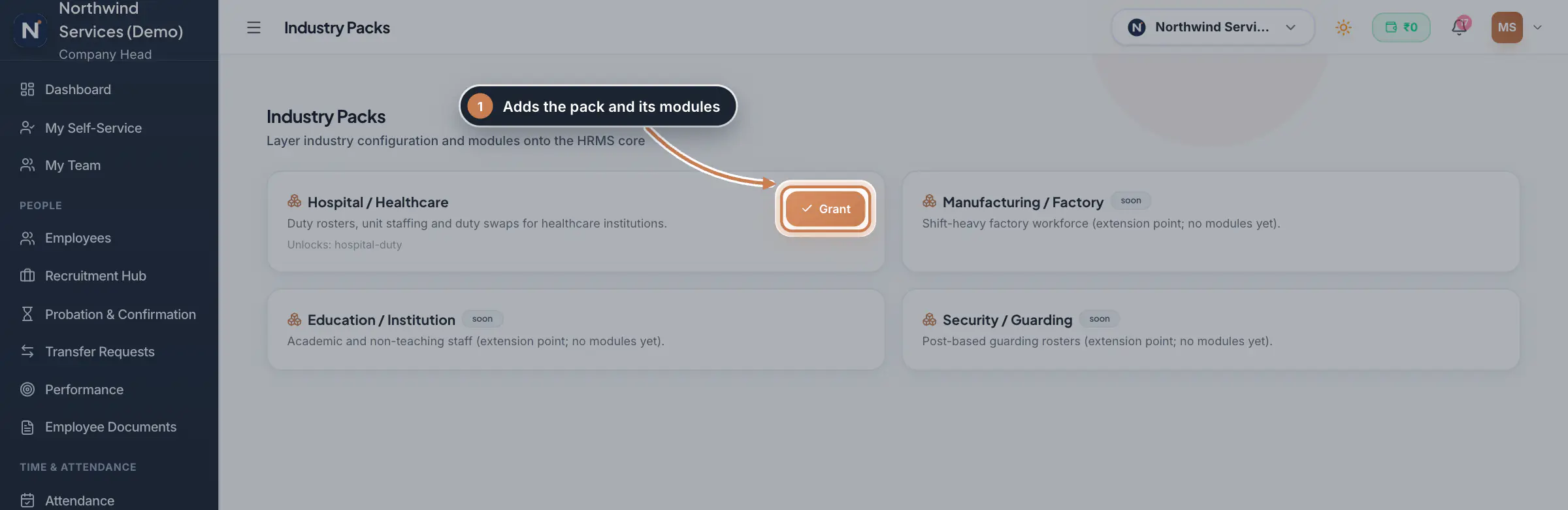
In the sidebar, click Industry Packs. Read what each pack brings and the modules it unlocks, then click Grant on the pack your company needs. To remove a pack later, click Revoke on its card.
 Full size
Step 1
What it does
Industry Packs layers an industry's own configuration and modules on top of the HRMS core. Each pack has a card with what it is for and the modules it unlocks. Today the Hospital / Healthcare pack is available: it brings duty rosters, unit staffing and duty swaps for healthcare institutions through the Hospital Duty module. Manufacturing / Factory, Education / Institution and Security / Guarding are marked soon and have no modules yet.
Who uses it
- The Company Head, and HR when they may edit the company profile, grant and revoke packs. Others with view rights see the packs read-only.
How it connects
A granted pack is marked granted and its button changes to Revoke. Hospital Duty is listed in the sidebar for companies whose Industry in Company Profile is a hospital or healthcare one, for example Hospital, Healthcare, Clinic, Medical or Nursing.
Questions
I granted the Hospital pack but do not see Hospital Duty. Why?
Check the Industry under Company Profile, Company Information. The sidebar lists Hospital Duty for a hospital or healthcare industry, such as Hospital, Healthcare, Clinic, Medical or Nursing.
What does "soon" mean on a pack?
The pack is planned but has no modules yet, so it cannot be granted.
Related
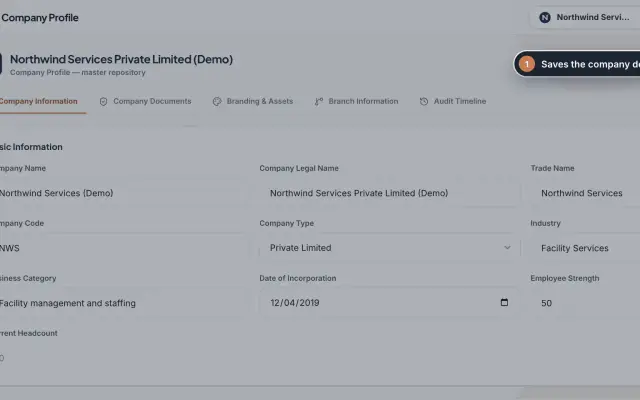 Company Profile moduleKeep your company's details, owners, certificates, branding images and branches in one place, with a timeline of every change.Module
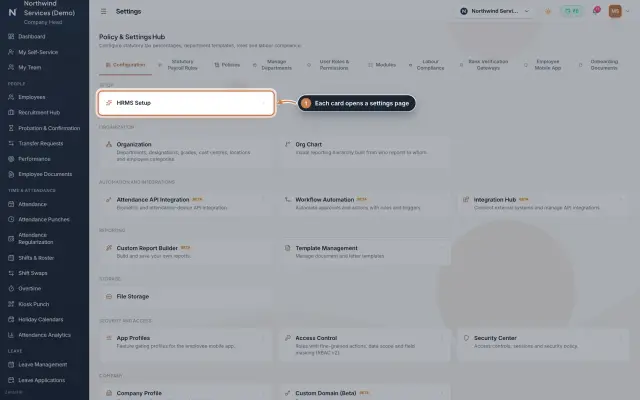 Settings moduleThe Policy & Settings Hub: a card for every settings page, and tabs for statutory rules, policies, departments, user permissions, modules, labour compliance, bank verification, the employee app and onboarding documents.Module
- ZeniaHR for every businessSee how it works on the ZeniaHR website