AI Assistant module
Ask quick questions about your HR data in plain words, such as how many employees are active, who is on leave today or this month's payroll total, and get the answer from your live data, plus short how-to answers.
Key screens
Start with a suggested question
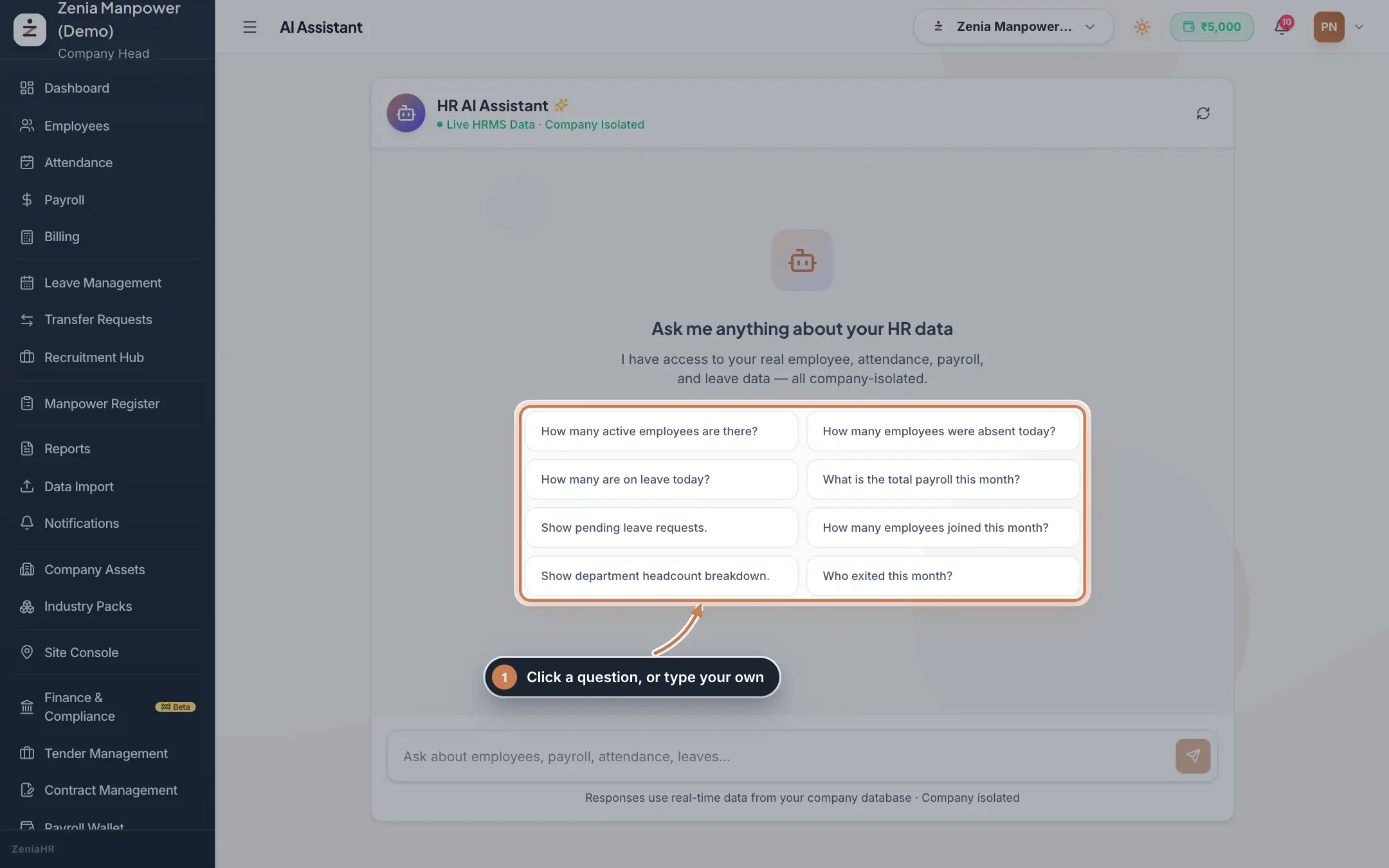
In the sidebar, click AI Assistant. Before anything has been asked, it shows eight suggested questions, such as How many active employees are there? and Show pending leave requests. Click one to ask it.
 Full size
Step 1 Read the answers
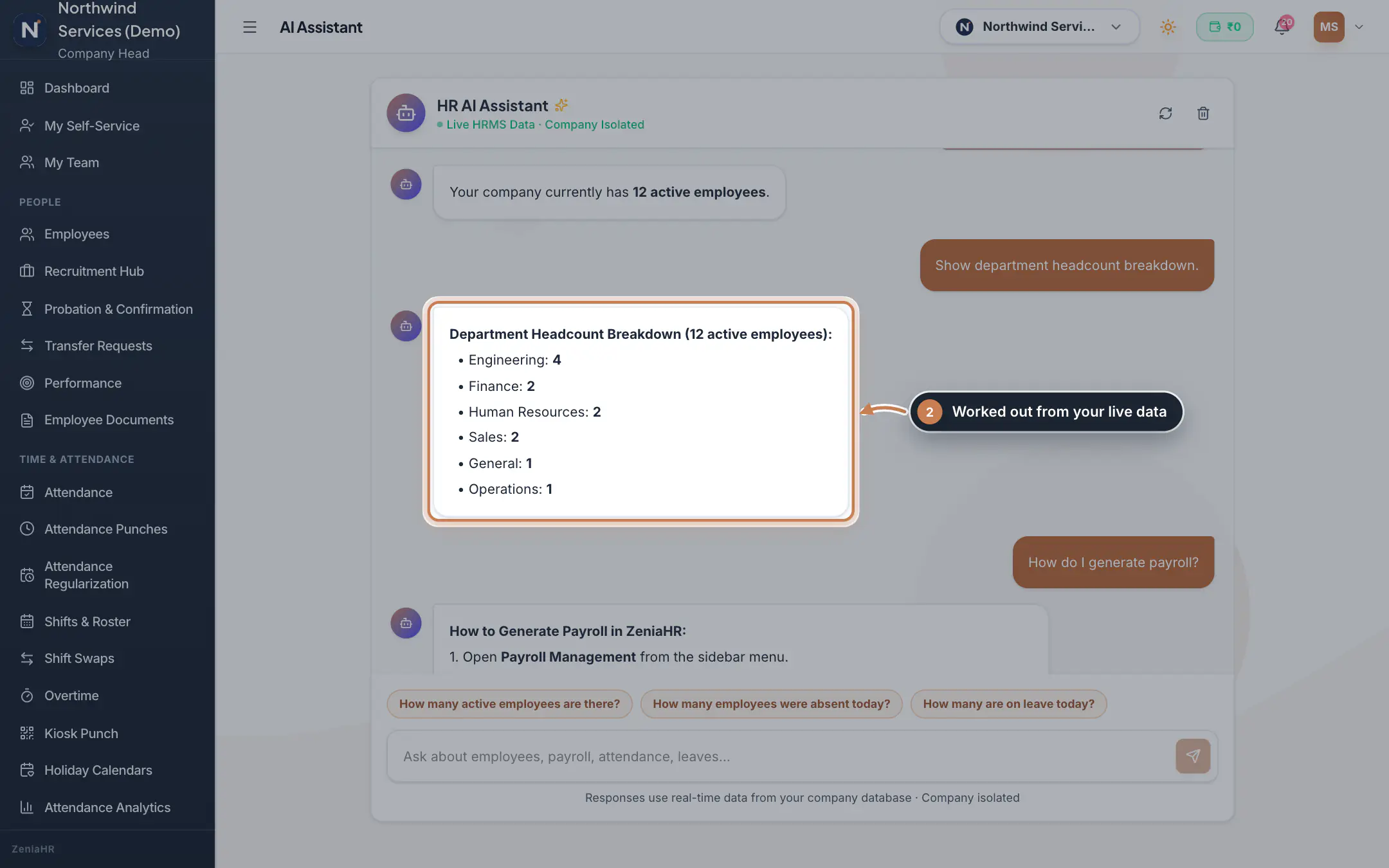
Your questions appear on the right and the answers on the left, with the key figures in bold, for example the headcount of each department. The three suggestions above the box stay at hand. The refresh icon at the top reloads the conversation.
 Full size
Step 2 Ask your own question
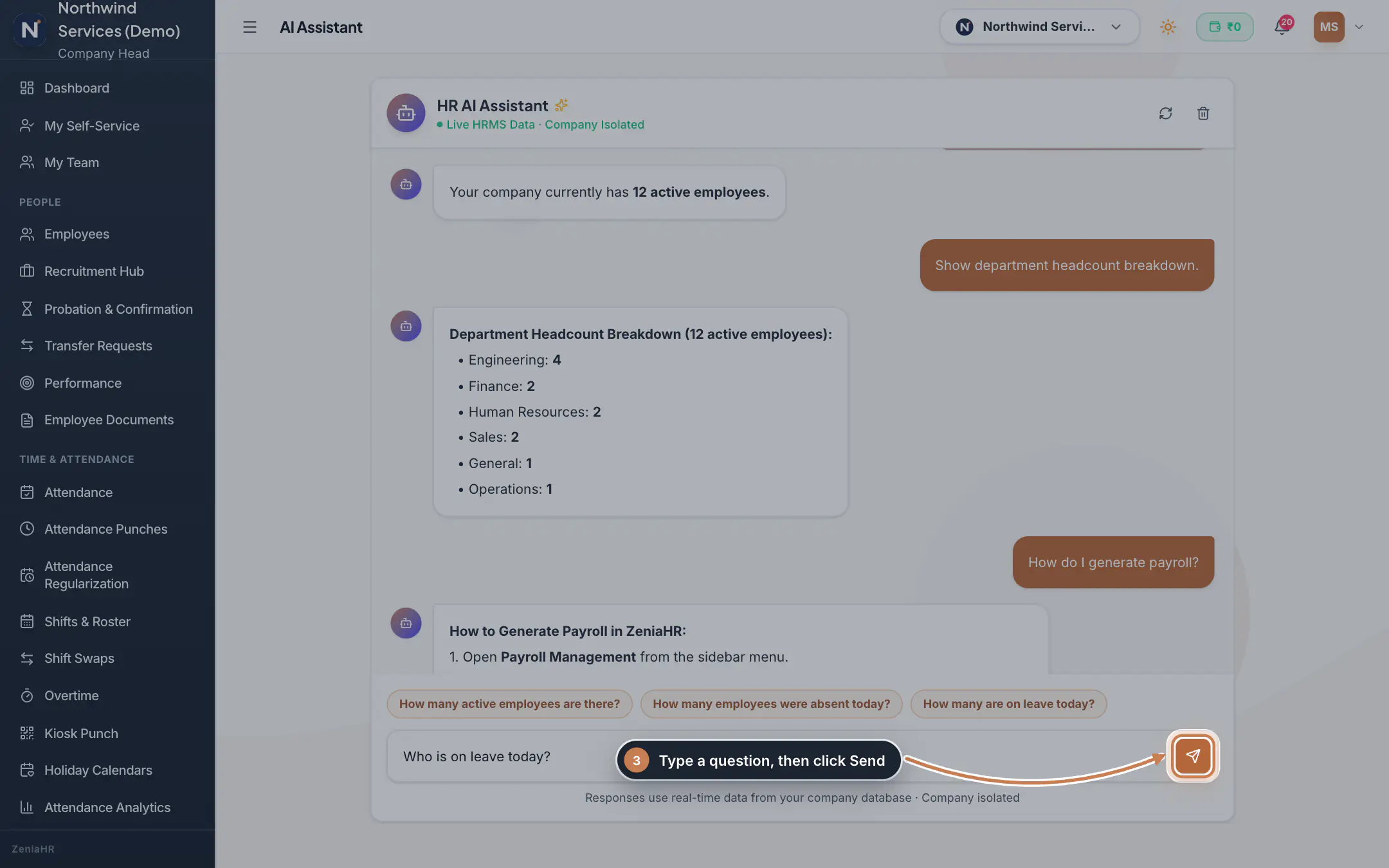
Type your question in the box at the bottom, for example Who is on leave today? or What is the leave balance of Neha?, and press Enter or click Send. For joiners, exits and payroll, name a period, such as this week, last month or September.
 Full size
Step 3
What it does
The AI Assistant answers questions about your company's HR data, typed in plain words. It recognises common kinds of question and works out the answer from your live data at that moment: the number of active employees, the headcount by department or branch, who joined or left today, this week, this month or last month, attendance today (present, absent, not yet marked), who is on leave today, pending leave requests, leave balances, the payroll total of the latest or a named month, an employee's attendance, and a summary of the day. It also gives short how-to answers, such as how to generate payroll, apply for leave, mark attendance or add an employee. When it cannot tell what you are asking, it says so and suggests questions it can answer.
Who uses it
- The Company Head and HR, and employees too. HRMS Core companies find it under Company & Tools in the sidebar.
- Answers cover only the company, and the branches, your login can see. Questions about a named person's salary are answered only for the Company Head, HR and Finance.
How it connects
Every figure comes from Employees, Attendance, Leave and Payroll at the moment you ask, so the same question can give a new answer tomorrow. For a table you can download, use Reports or the Report Library.
Questions
Who can see my questions?
The conversation is kept for the whole company: everyone who opens the AI Assistant sees the earlier questions and their answers. The bin icon at the top only clears your screen until you open the page again, so do not ask about anything you would not share with them.
Does it send my data to an outside AI service?
No. The answers are worked out on the ZeniaHR server from your own company's data, with built-in question rules.
It says it does not have enough information. Why?
It answers set kinds of question only. Rephrase the question with words such as active employees, absent today, on leave today, pending leave, leave balance, payroll, joined, exited or department, or pick one of the suggestions.
Related
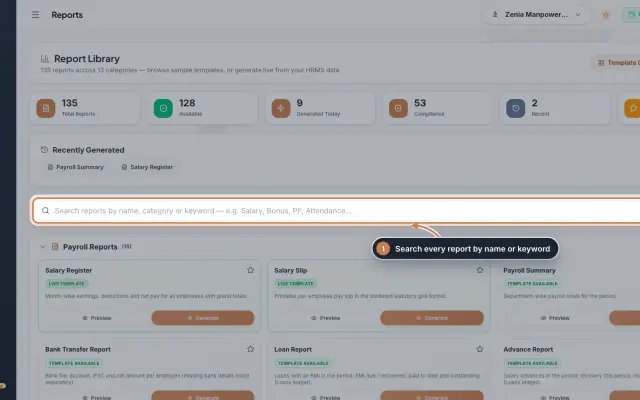 Report Library module135 ready reports in 13 groups, from the salary register and payslips to attendance, leave, employee, document, PF, ESI, tax, bonus and wage registers, generated live from your data as a document you can edit, print and export.Module
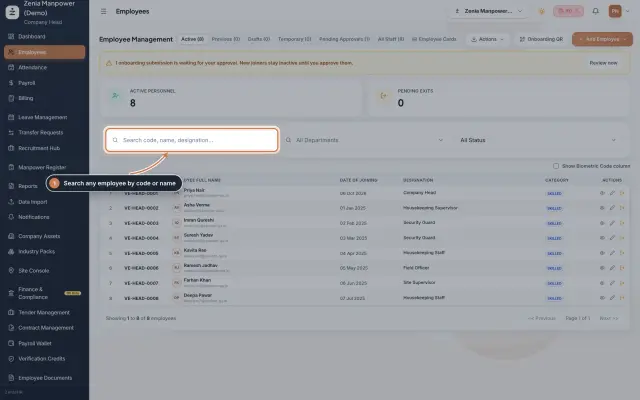 Employees moduleThe staff directory, where you add people, open an employee profile and approve new joiners.Module
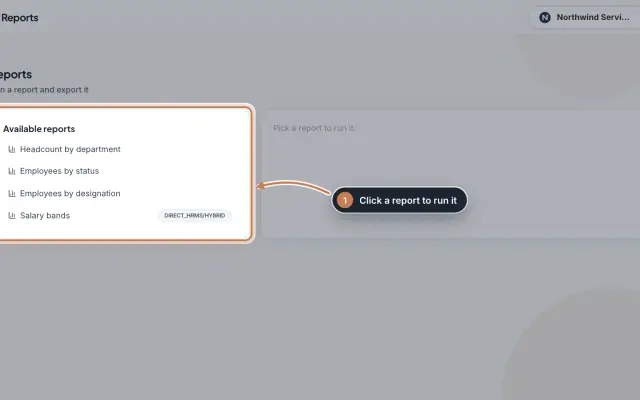 Reports moduleQuick headcount reports, run with one click from your live employee records: by department, by status, by designation and, for HRMS Core companies, by salary band, each ready to download as CSV.Module
- ZeniaHR for every businessSee how it works on the ZeniaHR website