Verification credits
What verification credits are, how many each bank account check uses, where to see your balance and how to get more credits.
Before you start
- The Company Head, HR and Finance roles can see the Verification Credits page.
- Only the Company Head can buy credits.
Steps
Open Verification Credits
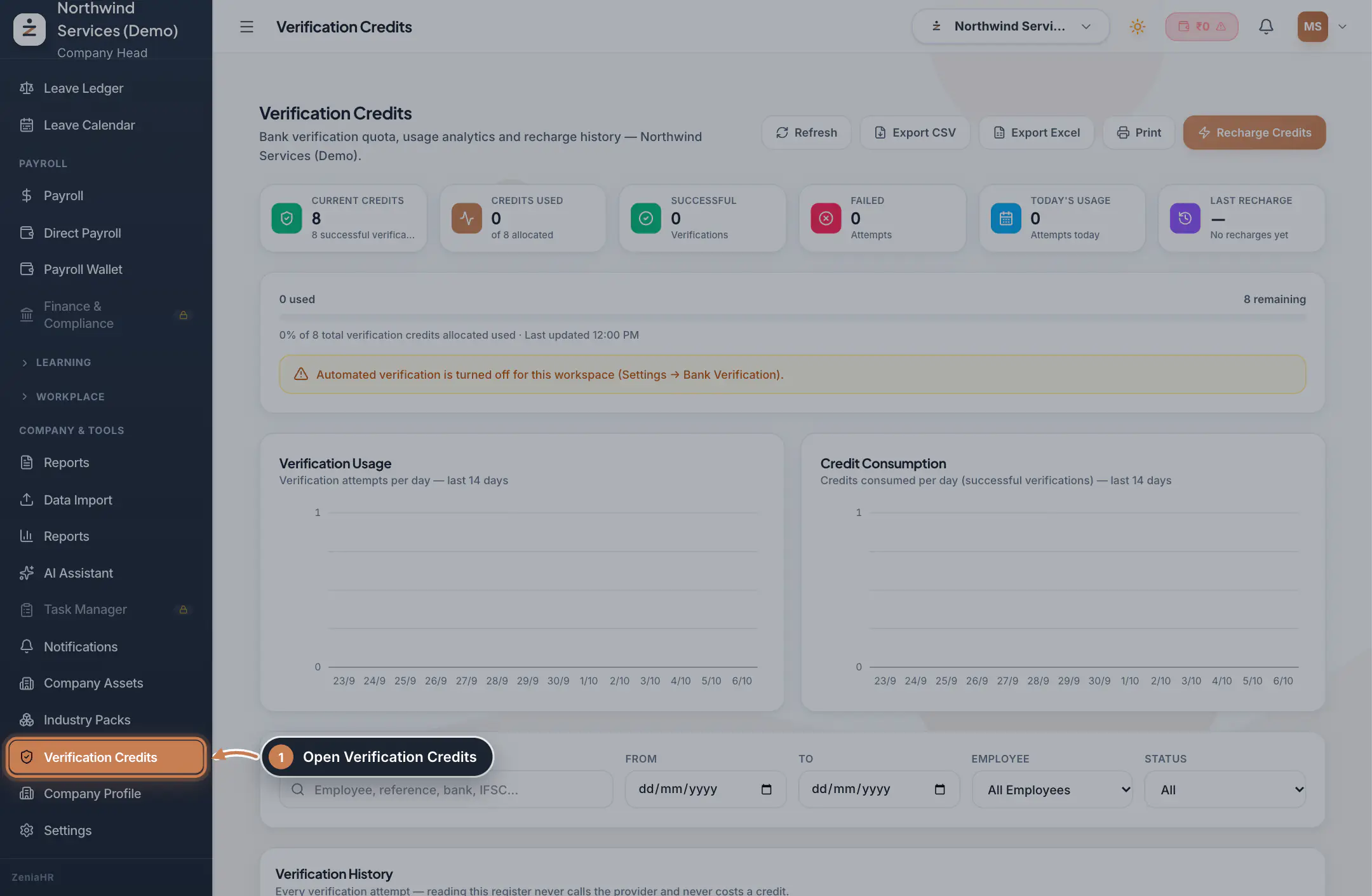
In the sidebar, click Verification Credits.
 Full size
Step 1 Check your balance
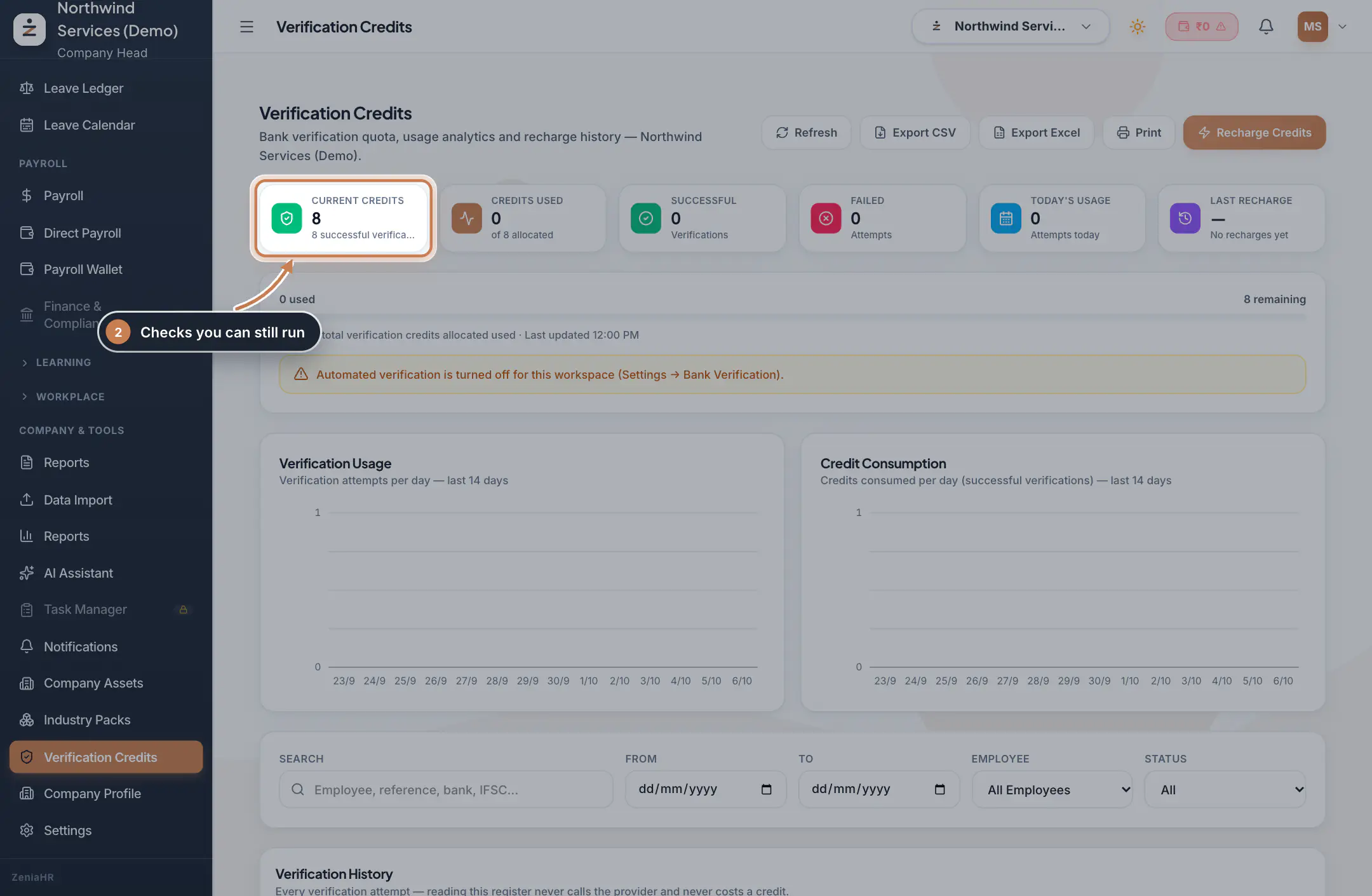
Current Credits is the number of checks you can still run. Next to it you see Credits Used, the Successful and Failed checks, Today's Usage and your Last Recharge. Lower on the page, two charts show checks and credits per day for the last 14 days, and Verification History lists every check with filters for dates, employee and status.
 Full size
Step 2 Tip Use Export CSV, Export Excel or Print to share the history.
Buy more credits
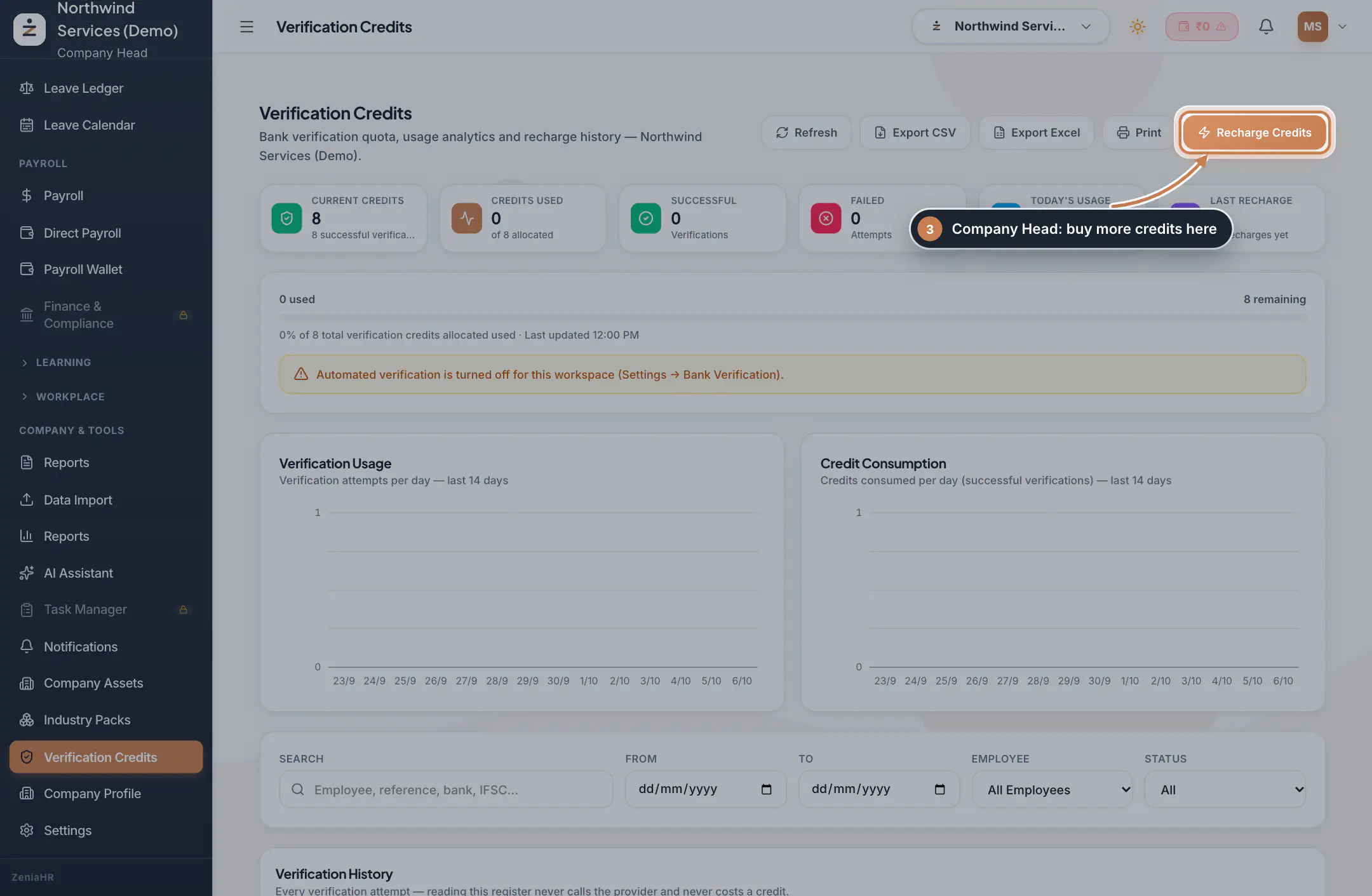
Click Recharge Credits. In Recharge Verification Credits, choose a recharge or enter a custom amount: the dialog shows how many credits you will receive and the total to pay. Click the Pay button to pay securely online. The credits are added only after the payment is verified; some recharges also wait for approval before the credits appear. Each recharge and its invoice are listed under Recharge History.
 Full size
Step 3 Tip If the dialog says online recharge is not available, contact support to have credits added to your account.
Decide when credits are used
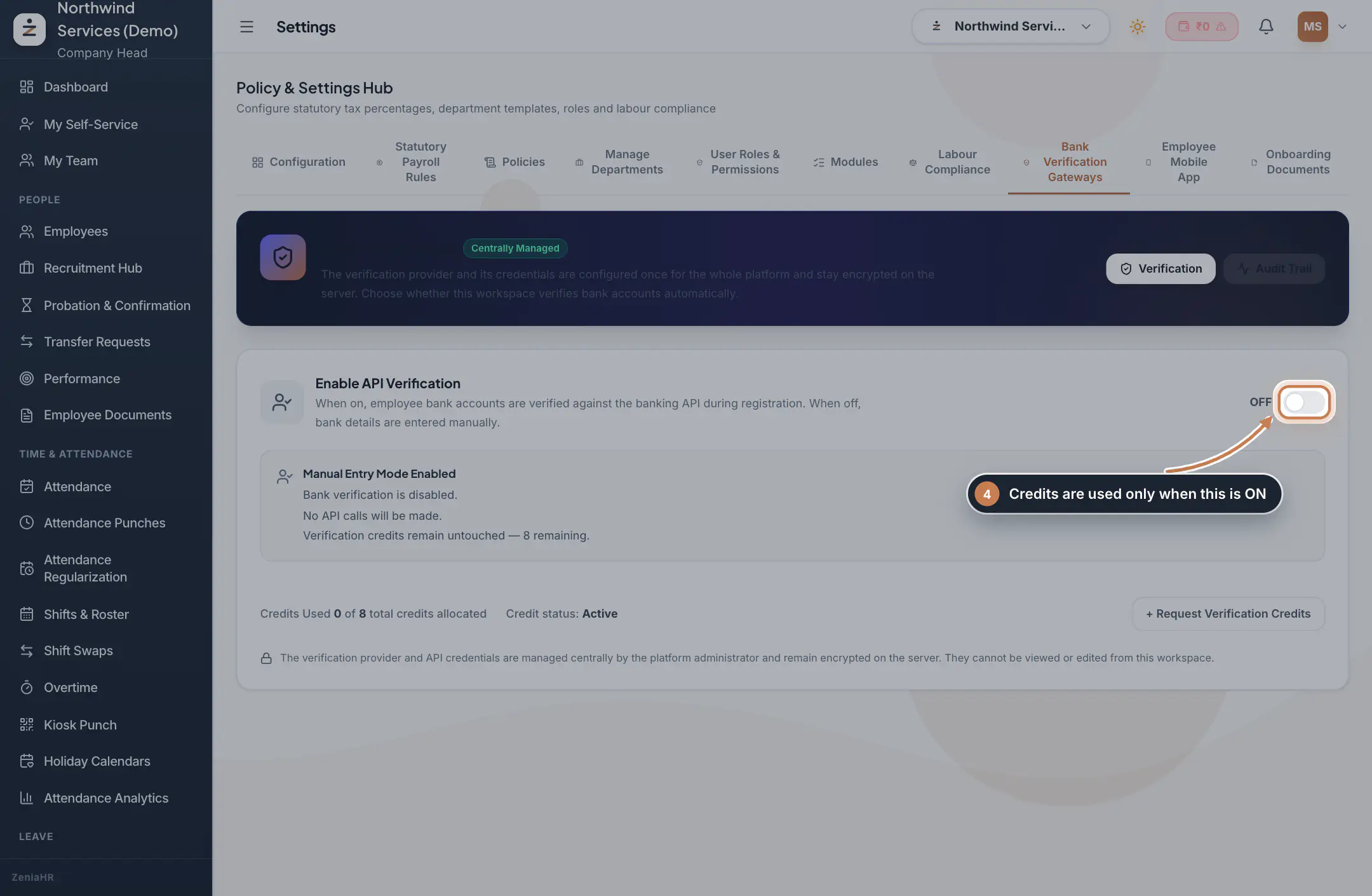
Go to Settings and open the Bank Verification Gateways tab. With Enable API Verification switched on, employee bank accounts are checked automatically when employees are registered, and each successful check uses one credit. Switched off, bank details are entered by hand, no checks run and no credits are used.
 Full size
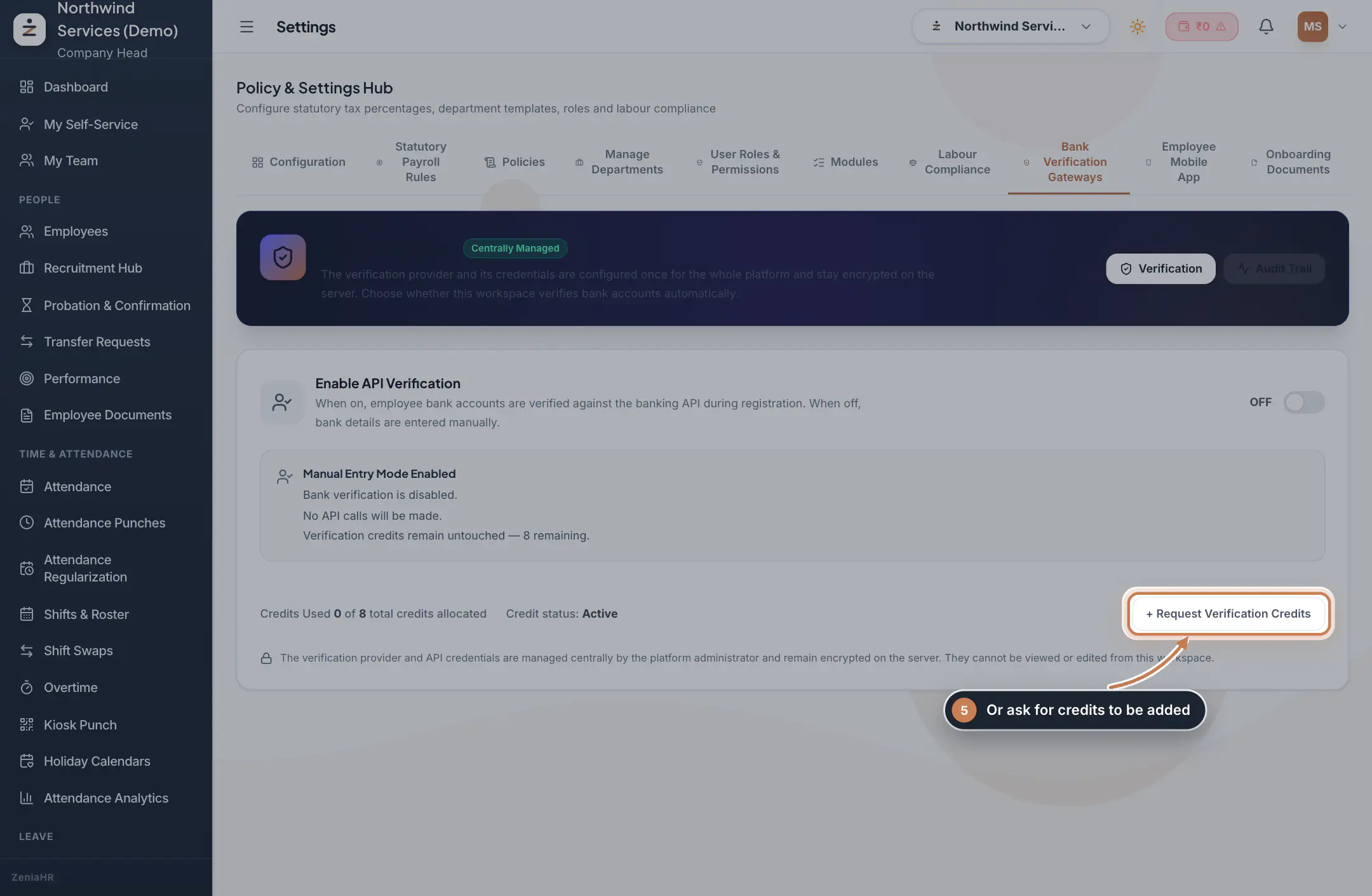
Step 4 Ask for credits to be added
On the same tab, click Request Verification Credits. Choose how many credits you need, add a note for the ZeniaHR admin team and click Submit Request.
 Full size
Step 5
What credits are
- Verification credits are the number of automatic verification checks your company can run. Today they are used for bank account verification.
- One credit allows exactly one successful verification. A check that fails does not use a credit.
- Credits are a quota, not money. You cannot spend them on anything else and they are never shown in rupees.
- A new workspace gets 8 free credits to start with, and the paid plans include more (each plan card shows how many). You can also buy credits or ask for them to be added.
Questions
What happens when the credits run out?
Automatic bank checks stop, and the employee's bank details show Verification Credits Exhausted. You can still save the employee: switch to Add Manually and type the bank details yourself. Add credits to start checking again.
Do failed checks use credits?
No. Only a successful verification uses a credit. Failed attempts are still listed in Verification History so you can see what happened.
Are credits the same as money in a wallet?
No. A credit is one verification, nothing more. The amount you pay when you buy credits is shown in rupees, but your balance is always shown as a number of credits.
Who can buy credits?
Only the Company Head. HR and Finance users can see the balance and the recharge history.
Related
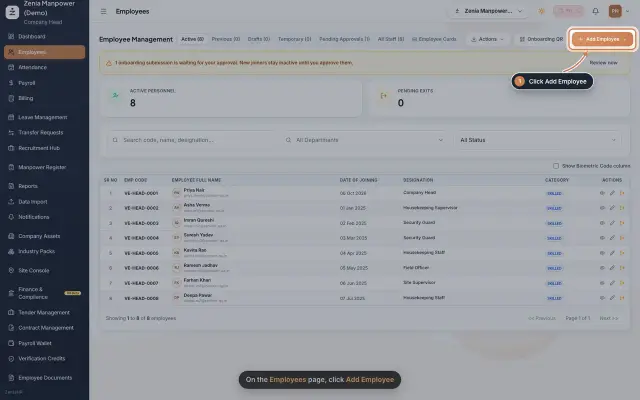 Add an employeeRegister a new employee master file step by step, from personal details to employment.Guide25 s video
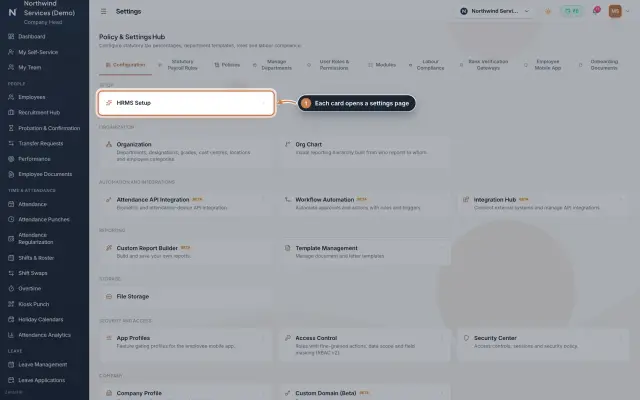 Settings moduleThe Policy & Settings Hub: a card for every settings page, and tabs for statutory rules, policies, departments, user permissions, modules, labour compliance, bank verification, the employee app and onboarding documents.Module
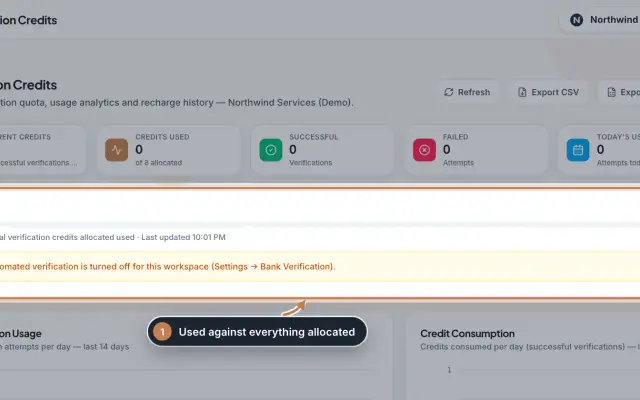 Verification Credits moduleThe full Verification Credits page: the credit meter and why checks may be paused, daily usage charts, the history of every bank verification with its details, and every recharge with its invoice.Module
- Plans and pricingSee how it works on the ZeniaHR website