Company Wall module
A feed for the whole company: announcements people acknowledge, posts, polls, praise and celebrations, with reactions and comments, on the web and in the employee app.
Key screens
Open the wall
In the sidebar, open Workplace and click Company Wall. Use All, Announcements, Posts, Polls, Praise and Celebrations to show one kind of post, and Refresh to load the newest. To write something, click the box at the top.
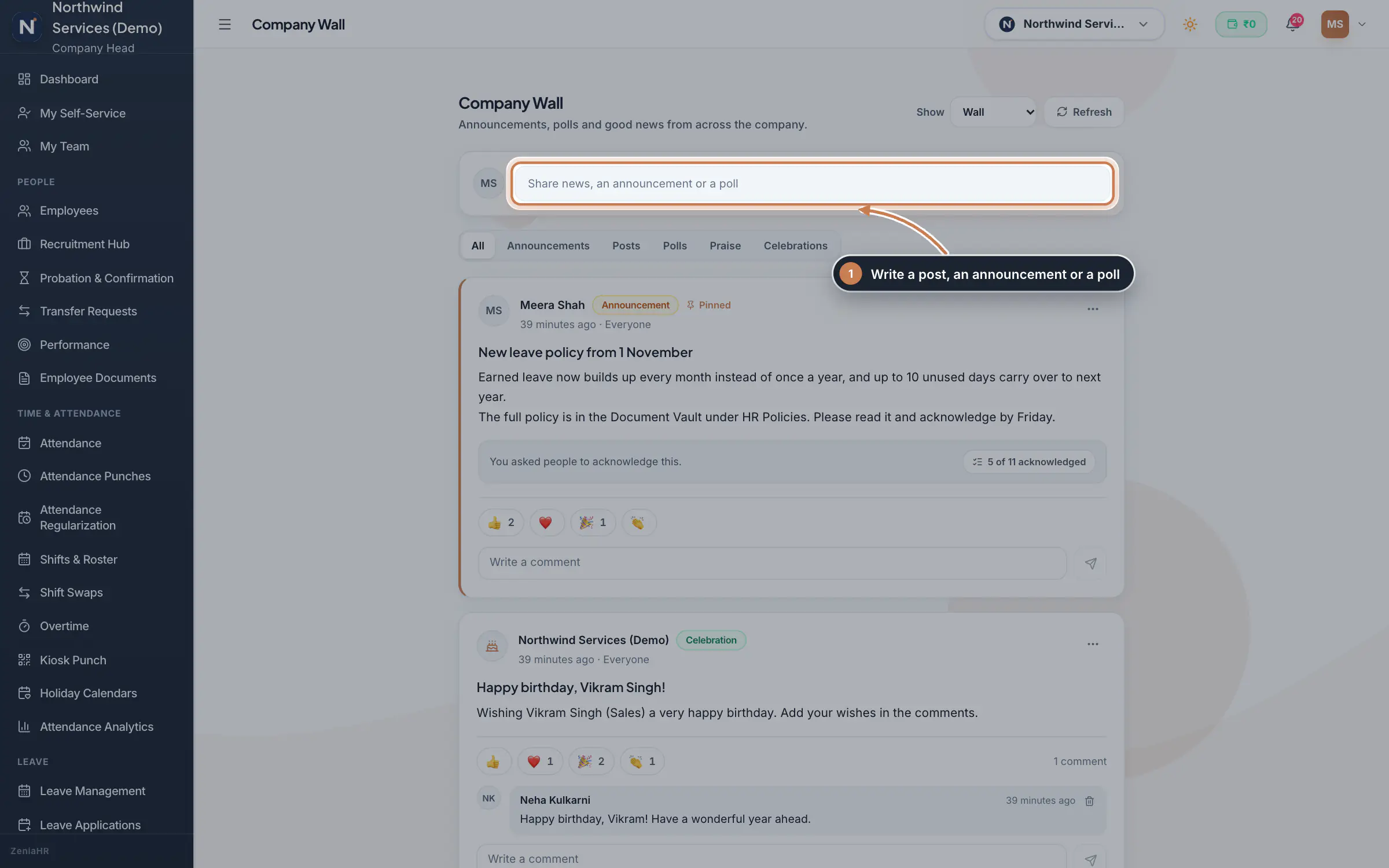 Full size
Step 1 Post an announcement
In the box, choose Post, Announcement or Poll. For an announcement, type the Title and the Announcement. Under Who sees it, keep Whole company or pick Branches or Departments. Tick Ask people to acknowledge it to give everyone an Acknowledge button, and Pin to the top of the wall to keep it first. Publish later sets when it goes live and Take it down after a date sets its last day. The line at the bottom says who will see it and when. Click Publish, or Schedule for a later time.
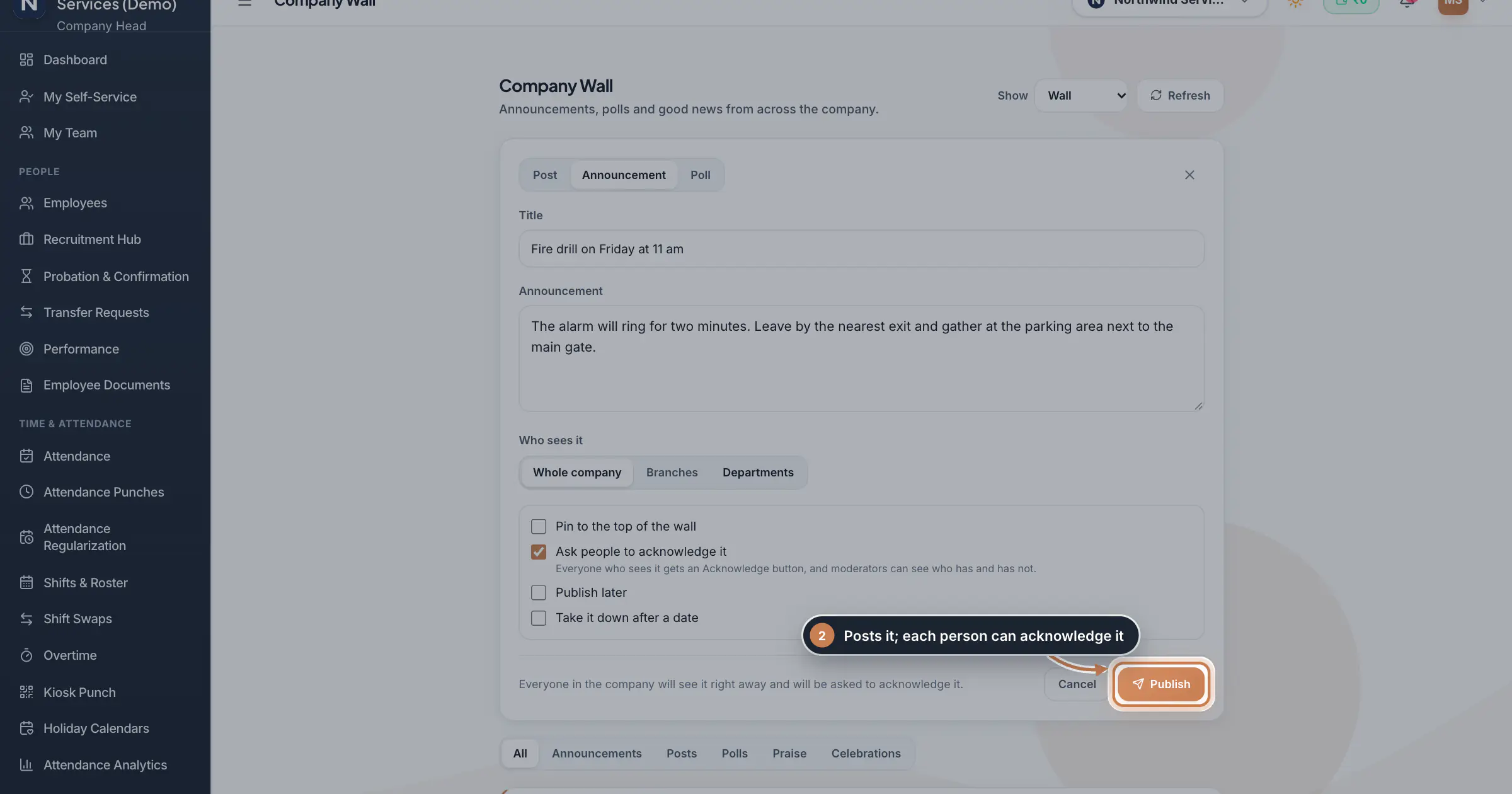 Full size
Step 2 Tip Scheduled posts wait under Show, Scheduled until they go live.
Run a poll
Choose Poll, type the question and between 2 and 10 options. You can let people pick more than one option, keep the votes anonymous, set a closing date and choose whether results show as votes come in or only after the poll closes. People pick an option and click Vote; each person sees the results once they have voted. HR and the Company Head can look sooner with See results, and the author, HR or the Company Head can close the poll early from the post's menu.
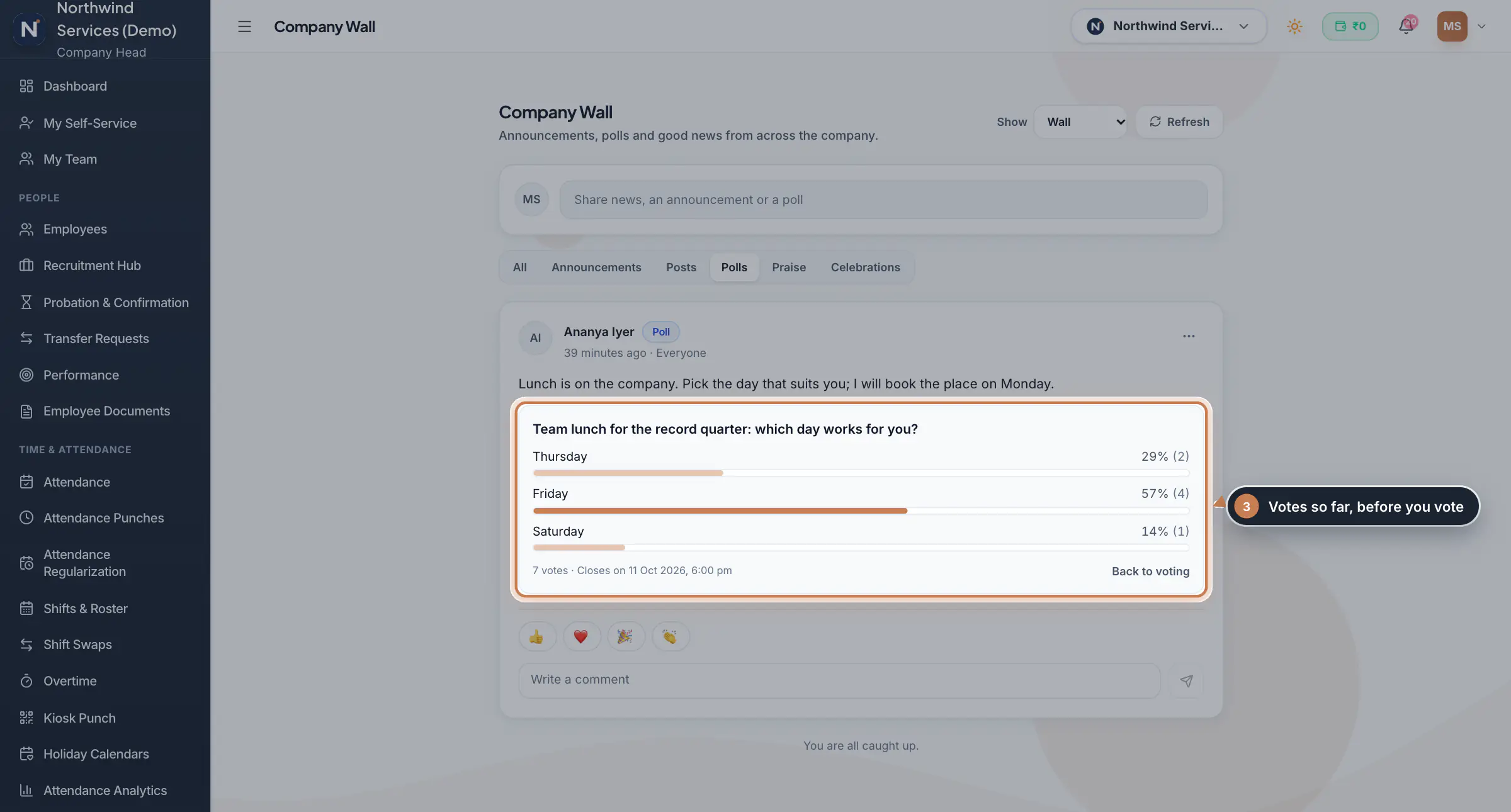 Full size
Step 3 See who acknowledged
An announcement that asks for acknowledgement shows how many have acknowledged, such as 5 of 11 acknowledged. Click it to see Not yet and Acknowledged, search for a person, and Download CSV to follow up.
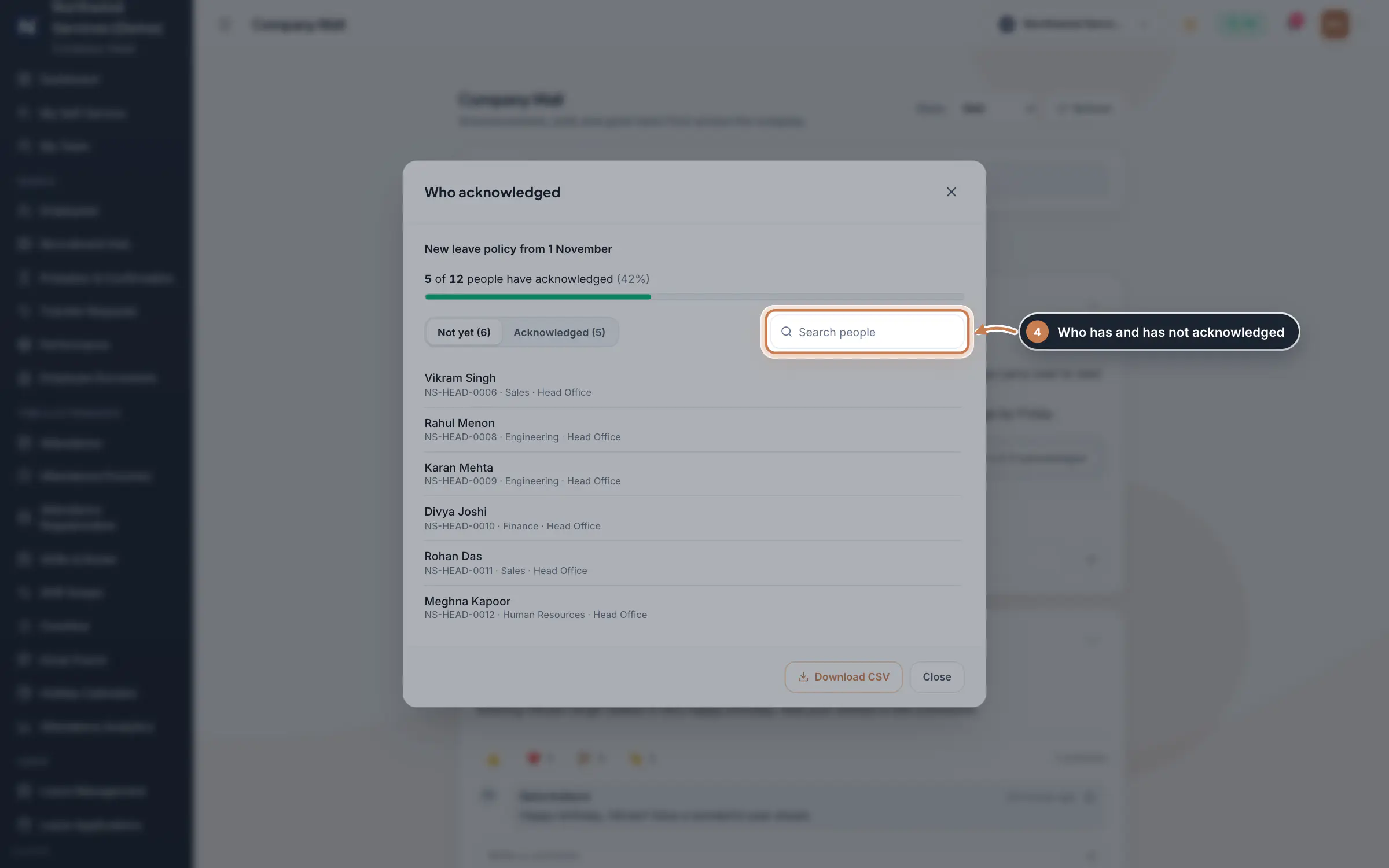 Full size
Step 4 Moderate the wall
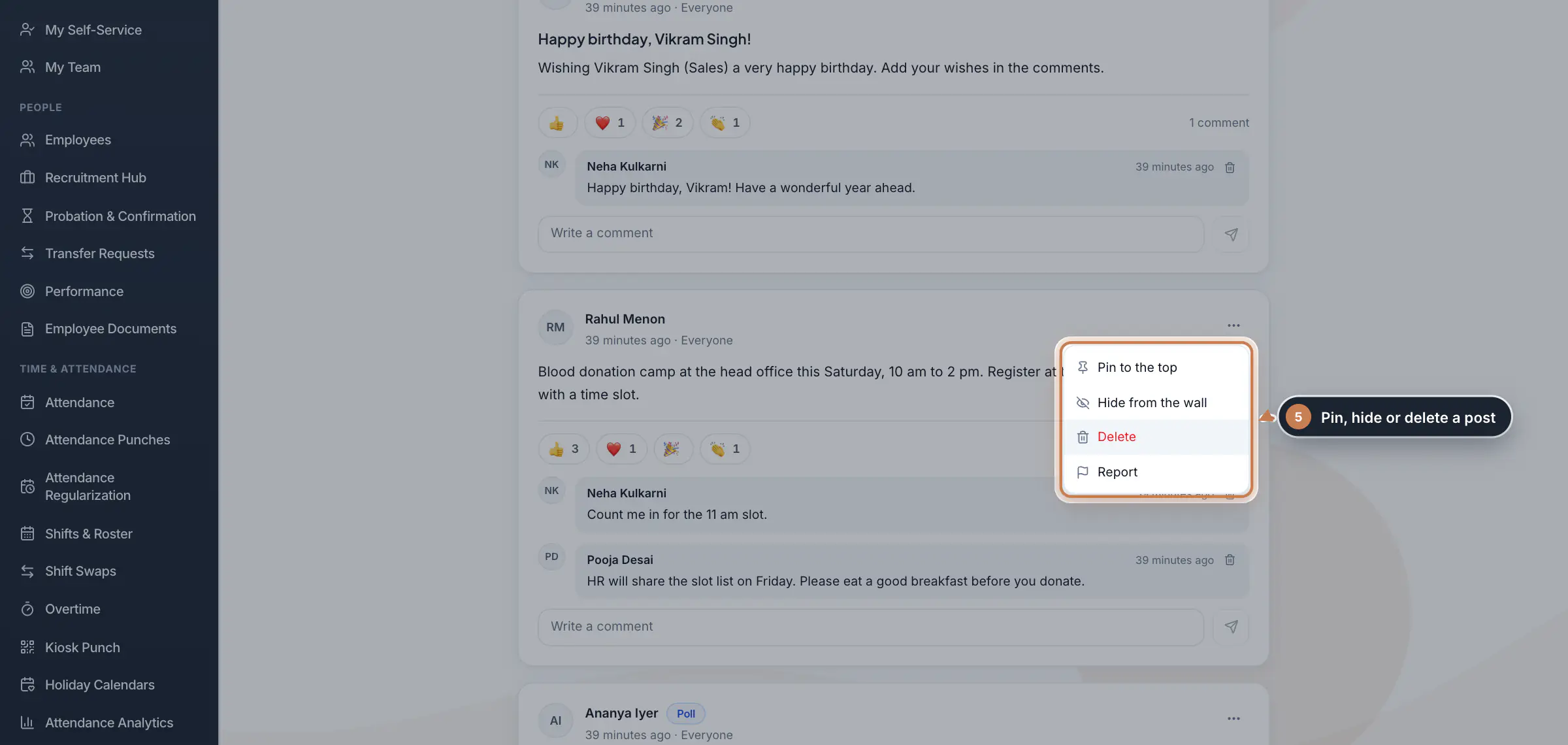
Click the three dots on a post. HR and the Company Head see Pin to the top, Hide from the wall and Delete, and Who acknowledged or Close the poll now where they apply. Anyone can Report a post they think should not be there. Under Show, Hidden keeps the posts you hid, and Reported lists reported posts to hide or to dismiss the reports.
 Full size
Step 5 What employees see
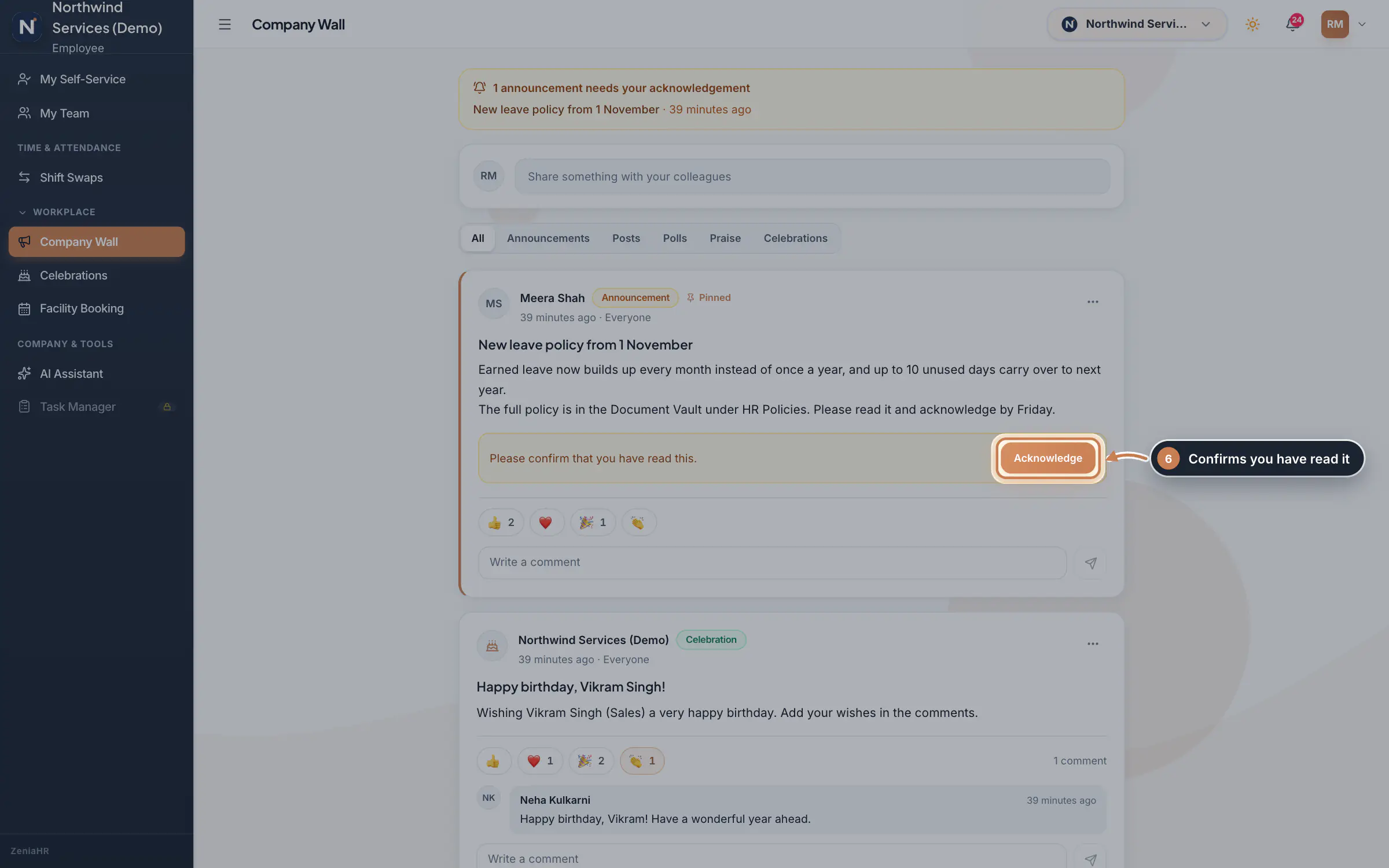
An employee sees a note at the top for each announcement waiting for them, and an Acknowledge button on it. Clicking Acknowledge records that they have read it. In the app, the Wall tab shows the same posts, with Acknowledge, reactions, comments and a Post button for their own posts; announcements and polls are written on the web.
 Full size
Admin panel · Step 6 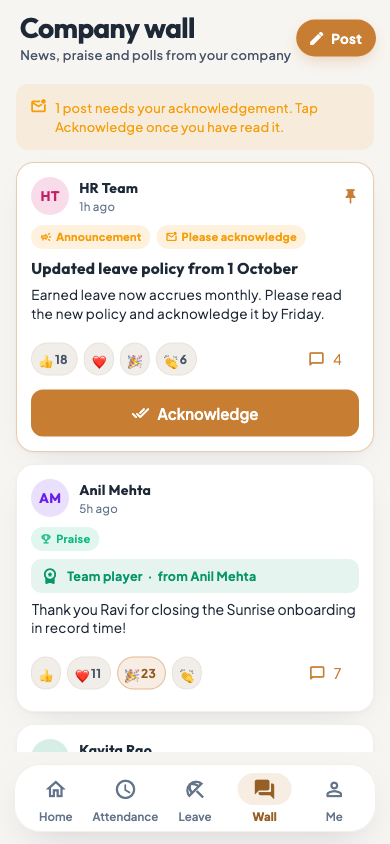 On the employee app
The employee app's Wall tab
What it does
Company Wall is a feed for everyone in the company. It carries announcements, which can ask each person to acknowledge them, ordinary posts, polls, praise between colleagues and celebrations such as birthdays. Pinned posts stay on top, then the newest. Everyone can react with one of four emojis and comment. A post can go to the whole company or only to some branches or departments, go live later and come down after a date.
Who uses it
- Everyone in an HRMS Core or Hybrid company reads the wall, reacts, comments and writes posts and polls.
- Announcements are written by the Company Head and HR, and by managers unless you change that.
- HR and the Company Head moderate: they pin, hide and delete posts, see who acknowledged an announcement and review reported posts.
How it connects
Praise given in My Team or Celebrations is posted on the wall, and each morning the wall gets a post for the day's birthdays, work anniversaries and new joiners. Settings, Policies, Company wall and praise decides who may write announcements and whether posts and comments are open to everyone. In the employee app, the Wall tab shows the same feed.
Questions
Who can write announcements?
By default the Company Head, HR and managers. Change it in Settings, Policies, Company wall and praise: HR and the Company Head only, or everyone.
Can I edit a post after publishing it?
No. The author, HR or the Company Head can delete it, and the author can post it again.
Why do I not see the Company Wall?
It is part of HRMS Core, so it shows in HRMS Core and Hybrid companies only.
Related
 The employee app for office staffA tour of the ZeniaHR app for HRMS Core staff: signing in, starting your shift, attendance, leave, the company wall and your profile.GuideApp
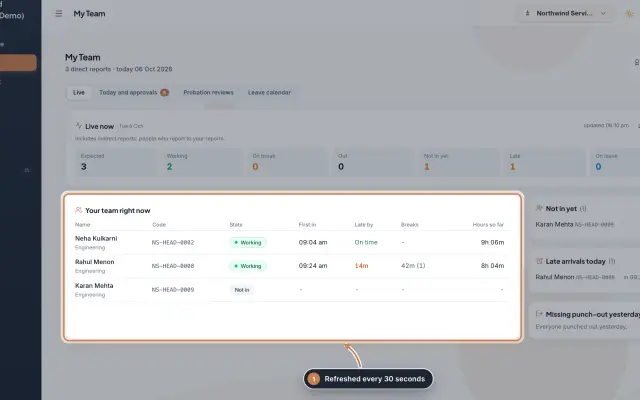 My Team moduleA manager's page for the people who report to them: who is working right now, the requests waiting on them, probation reviews, the team's leave and praise.Module
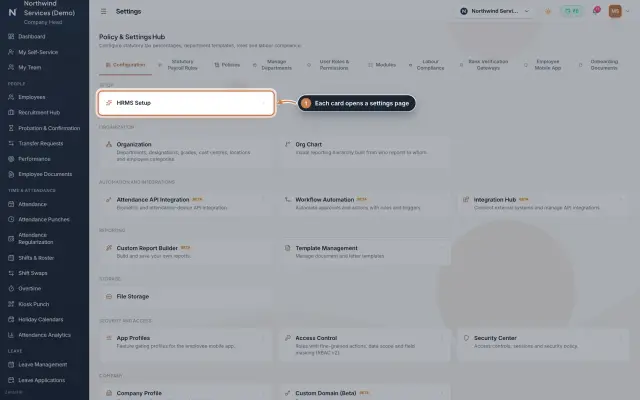 Settings moduleThe Policy & Settings Hub: a card for every settings page, and tabs for statutory rules, policies, departments, user permissions, modules, labour compliance, bank verification, the employee app and onboarding documents.Module
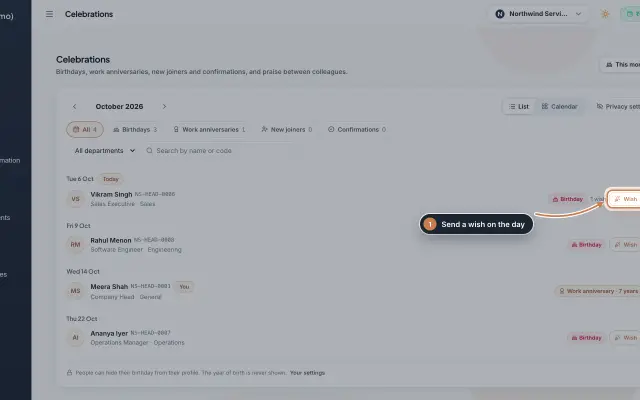 Celebrations moduleBirthdays, work anniversaries, new joiners and confirmations month by month, with wishes, birthday privacy, and praise between colleagues with a monthly leaderboard.Module
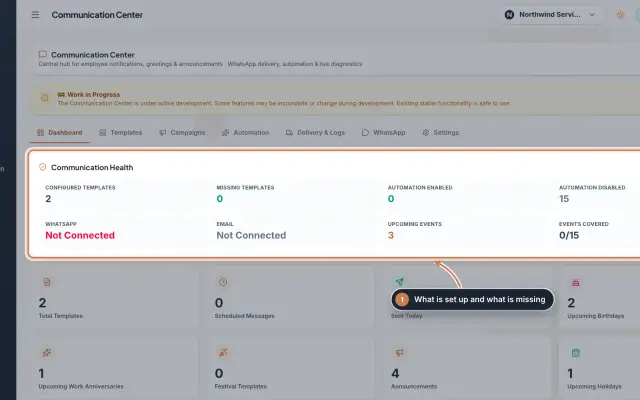 Communication Center module (Beta)Greeting and notice templates, birthday and anniversary wishes, announcements for the employee app and WhatsApp delivery with a safe test mode, in one place.Module
- Employee onboarding softwareSee how it works on the ZeniaHR website