My Team module
A manager's page for the people who report to them: who is working right now, the requests waiting on them, probation reviews, the team's leave and praise.
Key screens
See who is working right now
In the sidebar, click My Team. Live opens first and refreshes every 30 seconds: how many are expected today, working, on a break, out, not in yet, late and on leave. Your team right now lists each person's state, first punch, how late they were, their breaks and the hours so far. On the right, Not in yet, Late arrivals today and Missing punch-out yesterday list the people to follow up. The board includes indirect reports, the people who report to your reports. In the app, the My team card on the home screen shows who is in today, with Team live and Approvals.
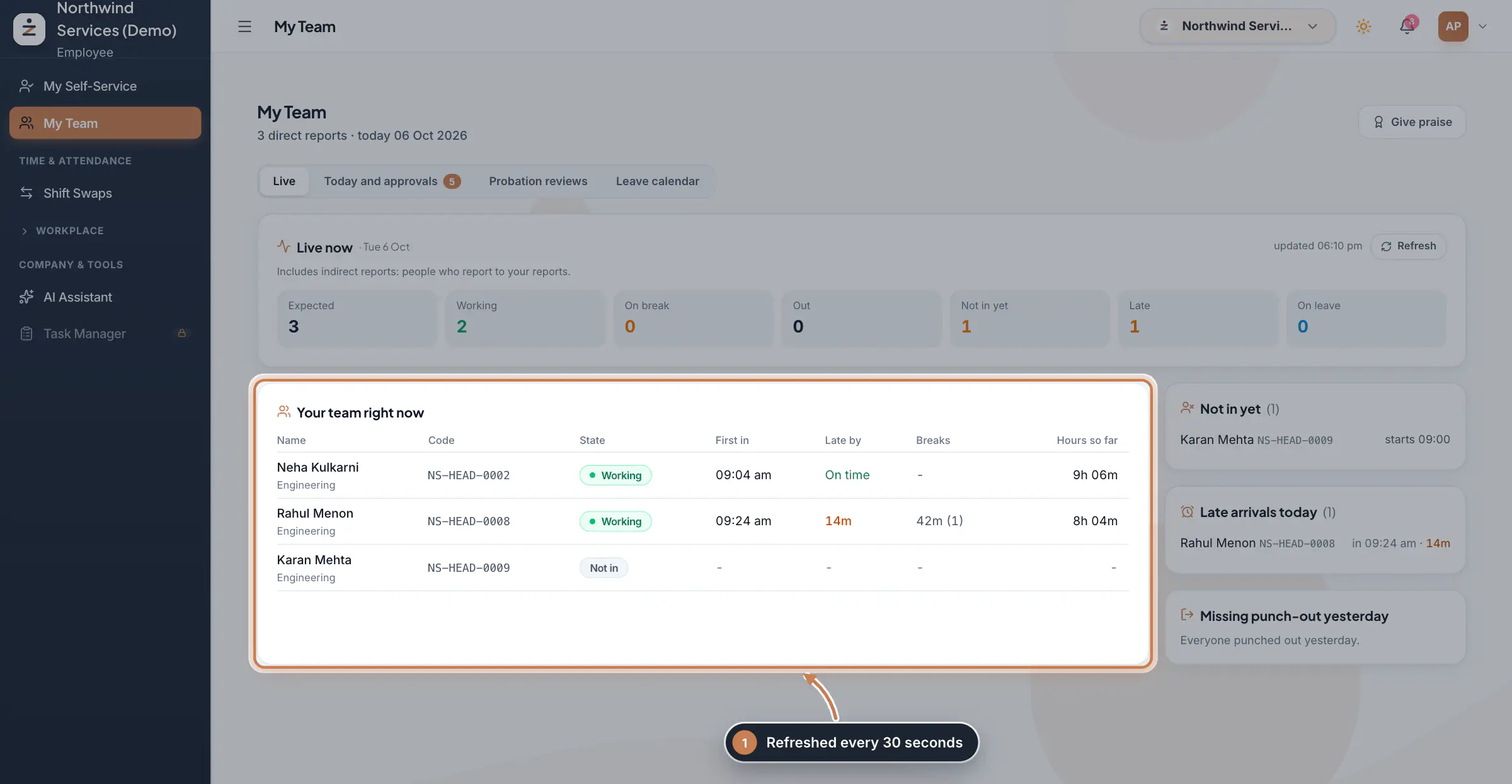 Full size
Admin panel · Step 1 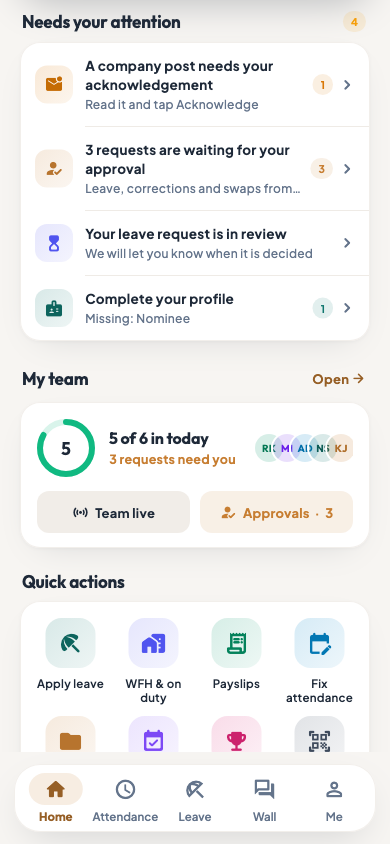 On the employee app
The employee app home with the My team card
Decide what waits on you
Click Today and approvals; the number on the tab is what waits on you. Team today shows each person's role, shift, status and punches. Waiting on you lists the leave and attendance corrections where your step is next: click Approve or Reject and confirm. After you approve, the request goes on to HR. Requests already waiting on HR show here for information only.
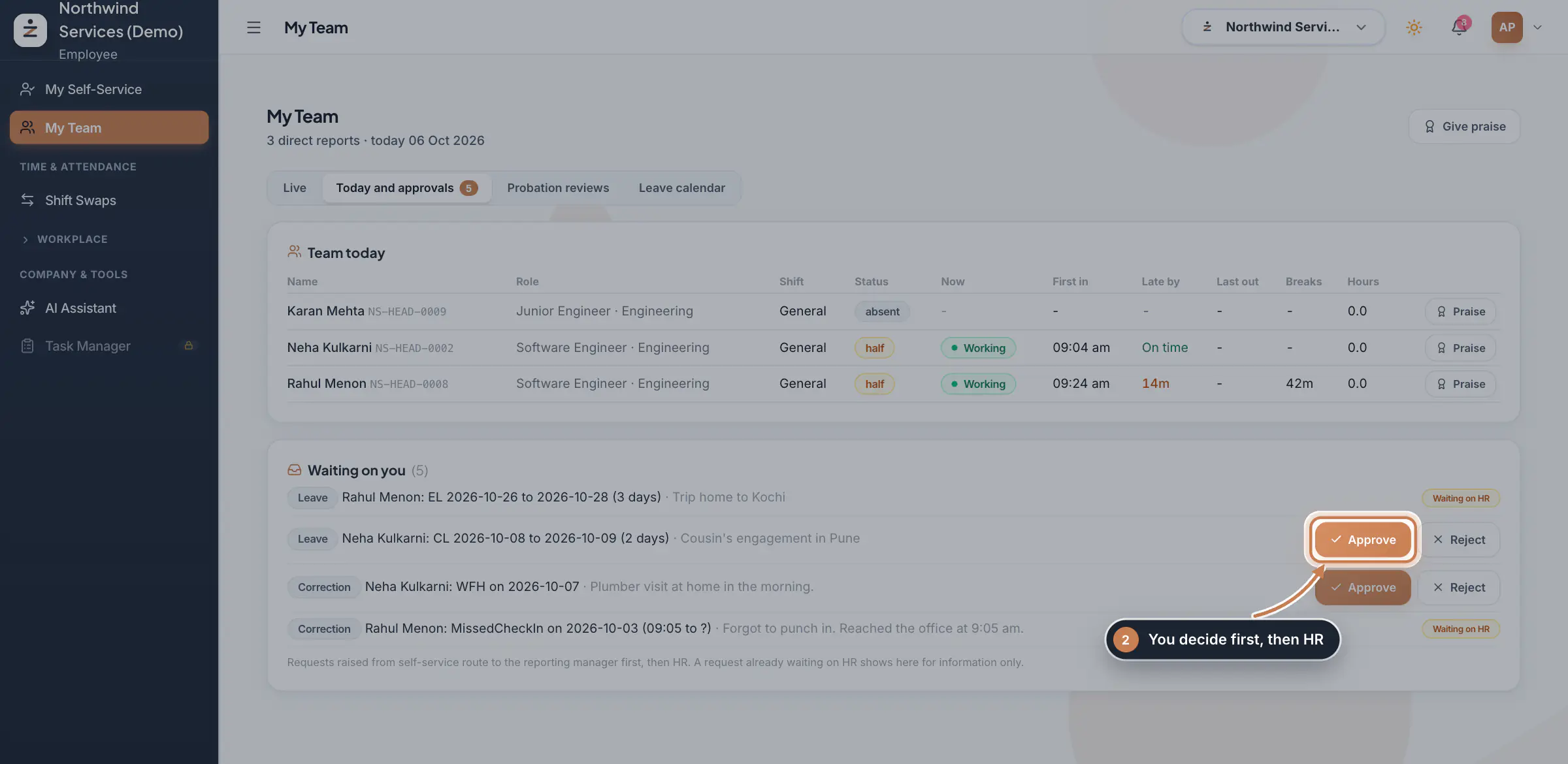 Full size
Step 2 Send a probation review
When someone in your team is near the end of probation, Probation reviews appears. Choose 1 to 5 stars, from Poor to Outstanding, write a short comment and click Submit review. HR reads it when deciding the confirmation. You can change it later with Update review.
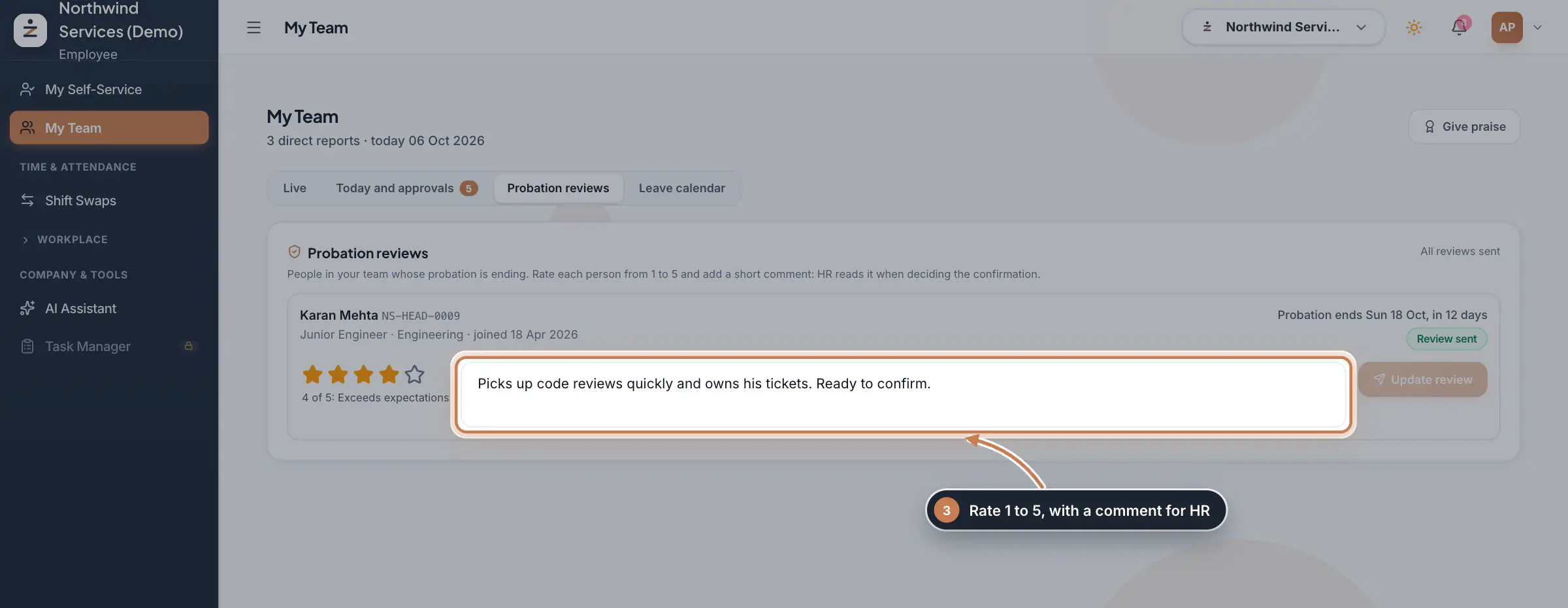 Full size
Step 3 See the team's leave
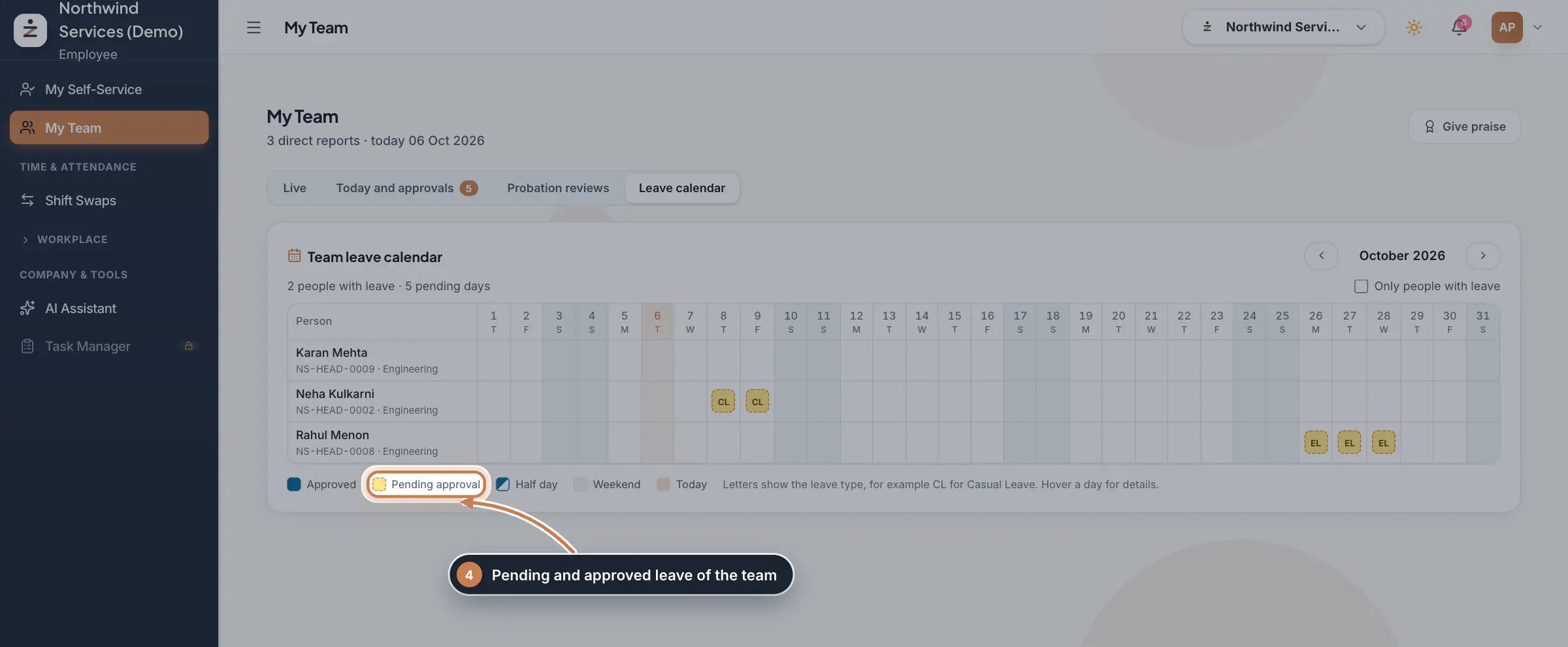
Click Leave calendar to see the month for the whole team: approved leave, leave still waiting for approval and half days, with weekends and today marked. The letters show the leave type. Use the arrows to change the month, and tick Only people with leave to shorten the list.
 Full size
Step 4 Give praise
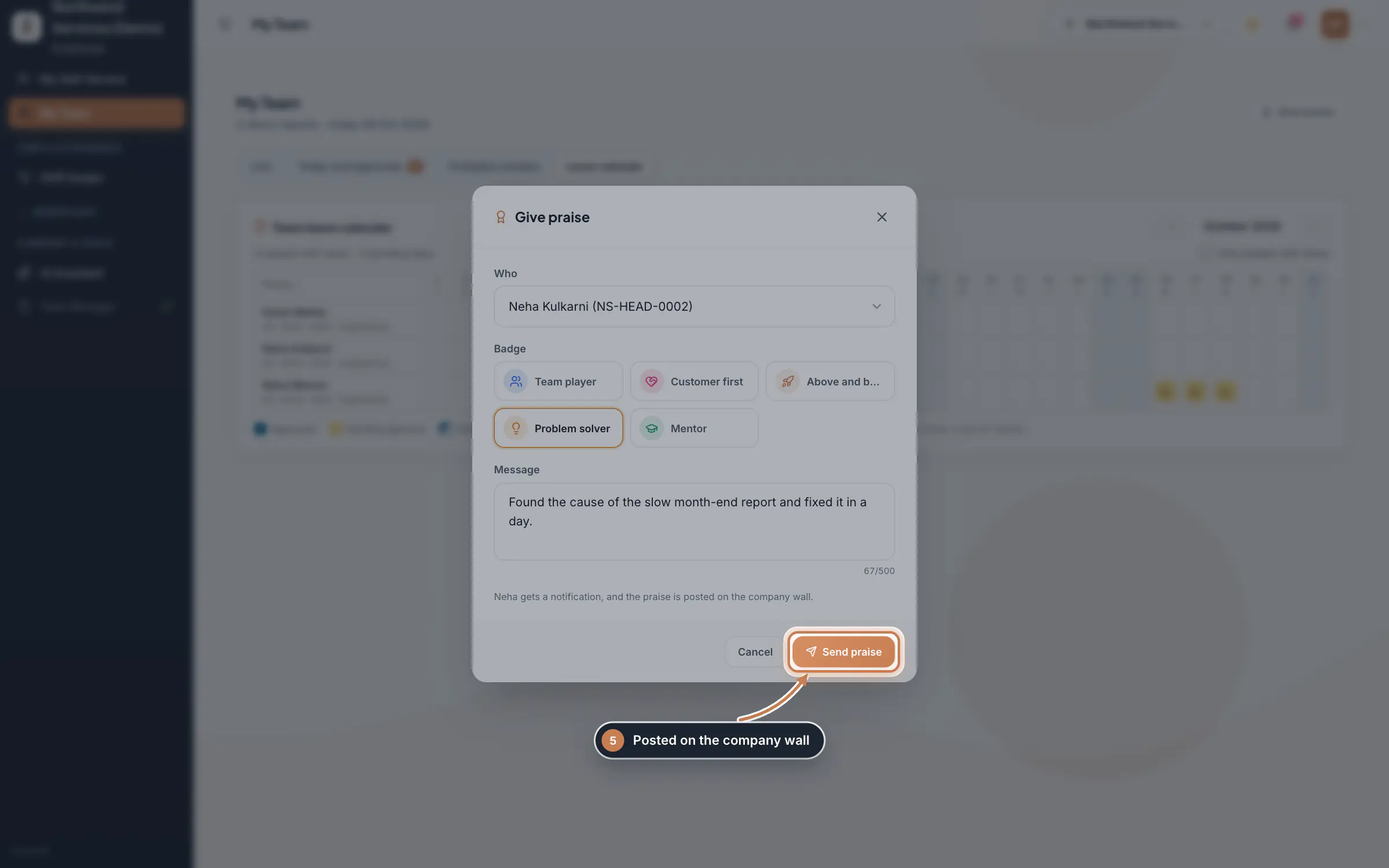
Click Give praise, or Praise next to a person under Today and approvals. Choose Who, pick a Badge such as Team player or Problem solver, write what they did and click Send praise. The person gets a notification and the praise is posted on the company wall.
 Full size
Step 5 Tip An Overtime tab appears when your team has overtime requests, and a Celebrations tab when someone has a birthday or work anniversary in the next 30 days.
What it does
My Team shows a manager the people who report to them and what needs the manager's attention: who is working, on a break or not in yet, the leave and attendance requests waiting on them, the probation reviews they owe HR, the team's leave month by month, and a way to praise good work. It only ever shows your own team.
Who uses it
- Anyone who is set as another person's reporting manager sees their team here, on the web and on the app's home screen.
- The Company Head and HR can also build their own team with Add team members and Remove.
How it connects
Your team is everyone whose reporting manager is you; HR sets it on each person's profile in Employees. Leave applications and attendance corrections your team raises in the app or in My Self-Service come to you first and then to HR, the same steps shown in Leave Applications and Attendance Regularization. The live board reads the day's punches from Attendance Punches, and the probation reviews you send appear in Probation & Confirmation.
Questions
Why does My Team say I have no direct reports?
Nobody has you as their reporting manager yet. HR sets the reporting manager on each person's profile in Employees, under Employment Details.
Can I approve requests from someone who reports to my report?
No. Each request goes to the person's own reporting manager. Indirect reports show on the live board only.
What does Missing punch-out yesterday mean?
The person punched in yesterday but never punched out, so the day may be counted short. Ask them to raise an attendance correction.
Related
 The employee app for office staffA tour of the ZeniaHR app for HRMS Core staff: signing in, starting your shift, attendance, leave, the company wall and your profile.GuideApp
 Attendance: punches and the daily registerHow punches reach HRMS Core, how to follow them live, record a missed punch, read each employee's day log, keep the daily register and close the month for payroll.Guide
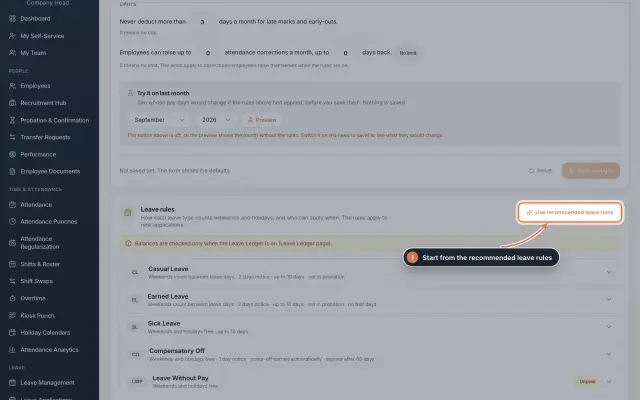 Leave: rules, applications and approvalsSet up your leave types and their rules, apply for leave on an employee's behalf with a live check of the days, and approve or reject applications.Guide
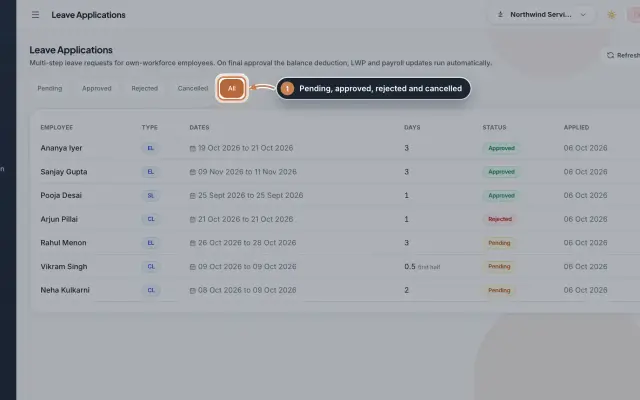 Leave Applications moduleEvery leave application with the days the rules count, its approval steps from the manager to HR, and what happens on approval or when approved leave is cancelled.Module
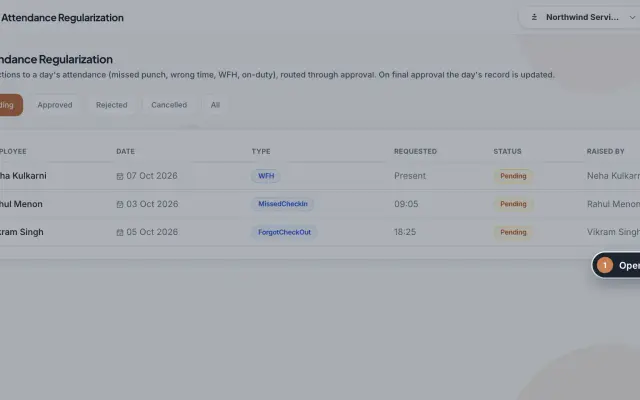 Attendance Regularization moduleCorrect a day's attendance through approval: a missed or forgotten punch, a wrong time, work from home or on duty, decided by the manager and then HR.Module
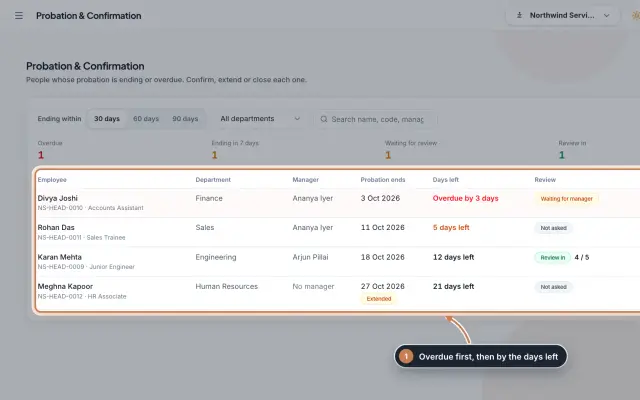 Probation & Confirmation moduleEveryone whose probation is ending or overdue in one queue; confirm with a letter, extend with a reason, record a not confirmed outcome or ask the manager for a review.Module
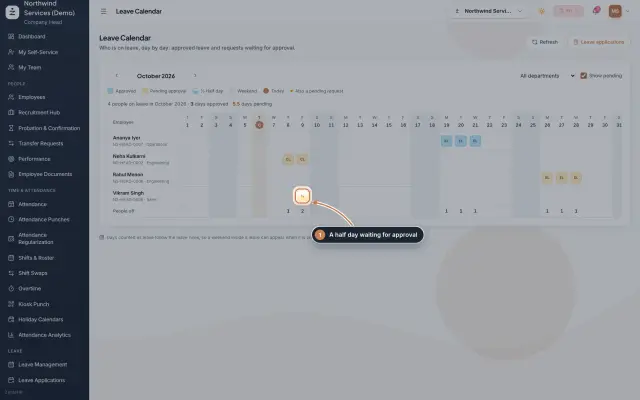 Leave Calendar moduleSee who is on leave, day by day, for a whole month: approved leave, leave waiting for approval and half days, by department.Module
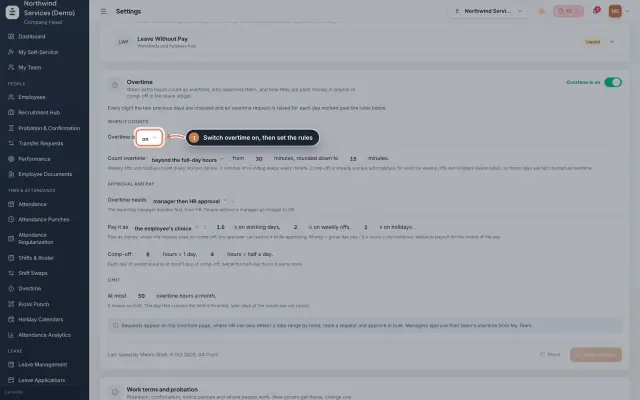 Overtime moduleOvertime found in the punches or raised by HR, approved by the manager and HR, and paid as money in payroll or as comp-off in the leave ledger.Module
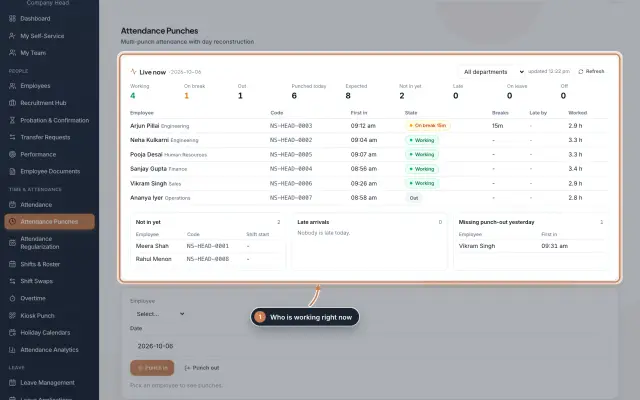
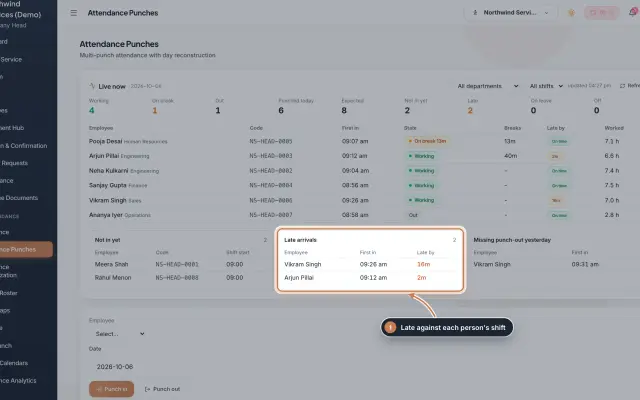 Attendance Punches moduleThe punch register of HRMS Core: who is in right now, every punch of a day, the month's payable days and the penalties the attendance rules add.Module
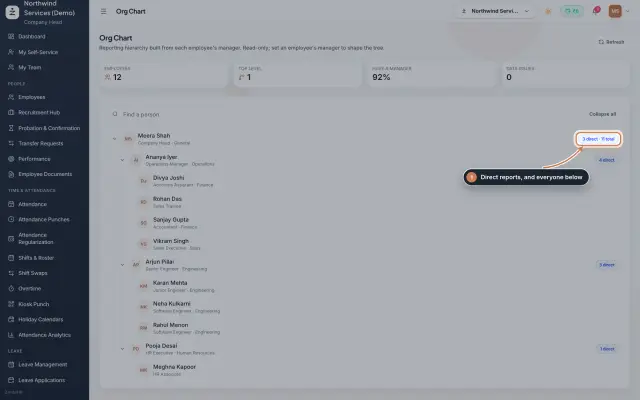 Org Chart moduleThe company's reporting tree, built from each person's reporting manager, with team sizes, a search and a check for broken reporting lines.Module
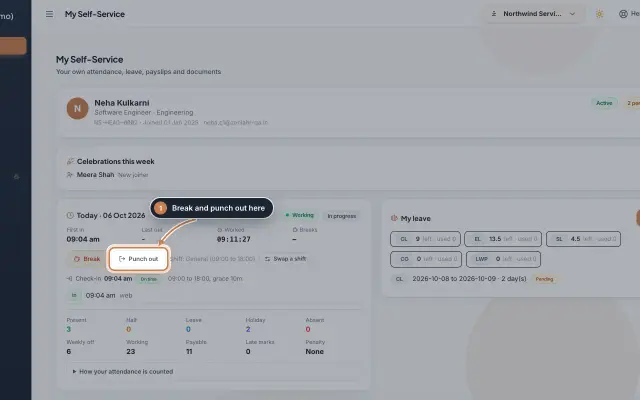 My Self-Service moduleEvery employee's own page on the web: punch in and out, see the month's attendance, apply for leave, ask for corrections and work from home, pick optional holidays and find payslips.Module
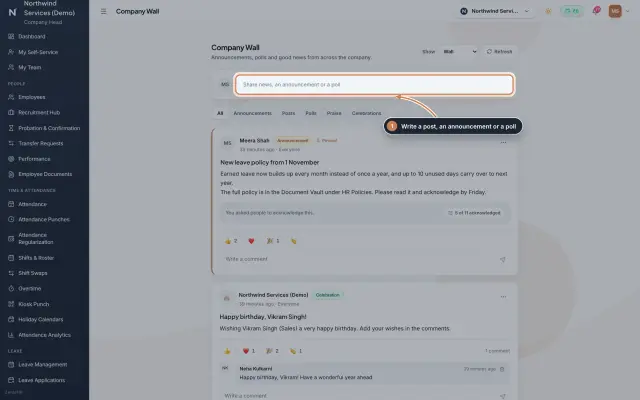 Company Wall moduleA feed for the whole company: announcements people acknowledge, posts, polls, praise and celebrations, with reactions and comments, on the web and in the employee app.Module
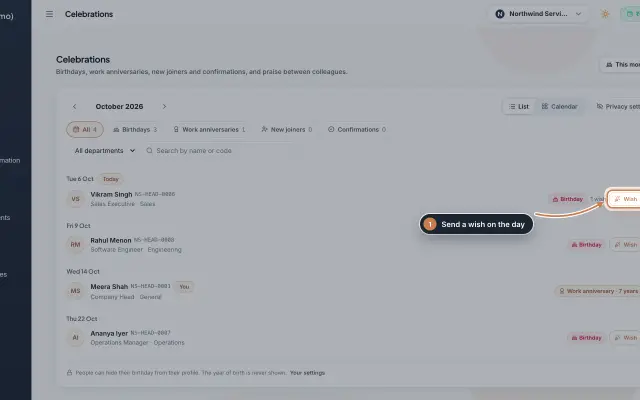 Celebrations moduleBirthdays, work anniversaries, new joiners and confirmations month by month, with wishes, birthday privacy, and praise between colleagues with a monthly leaderboard.Module
- Employee onboarding softwareSee how it works on the ZeniaHR website