HRMS Core guides
Attendance, leave, payroll and self-service for staff on your own rolls.
/
Getting started
Register your company, sign in, choose a workspace and find your way around.
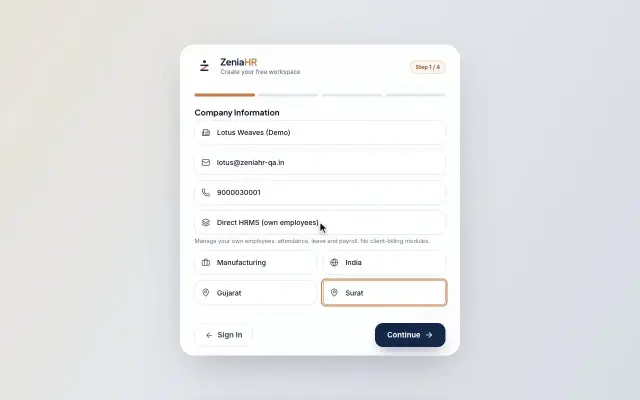 Register your companyCreate a free ZeniaHR workspace for your company in four short steps, verify your email and sign in for the first time.Guide29 s video
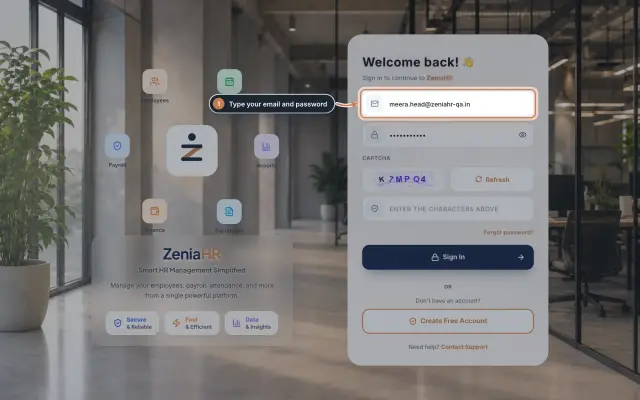 Sign in to ZeniaHRSign in to the web admin panel with your email, password and the picture check, sign out safely and reset a forgotten password.Guide
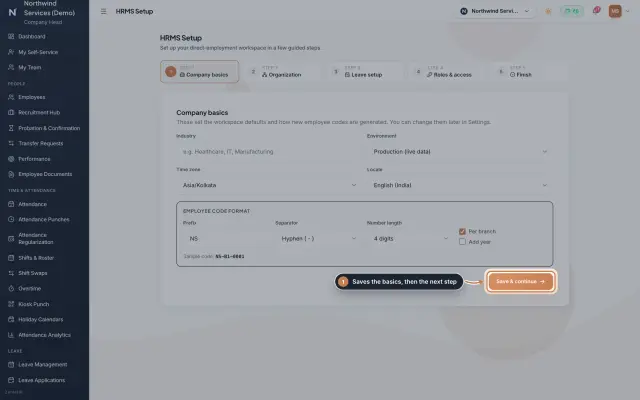 HRMS Setup moduleThe first-run wizard of an HRMS Core company: company basics and the employee code format, the organization lists, leave, roles and access, and a final check.Module
Plans, pricing and credits
What each plan includes, how billing for ZeniaHR works and how verification credits are used.
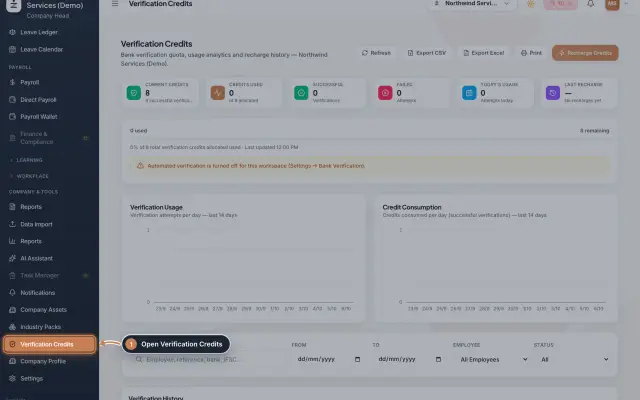 Verification creditsWhat verification credits are, how many each bank account check uses, where to see your balance and how to get more credits.Guide
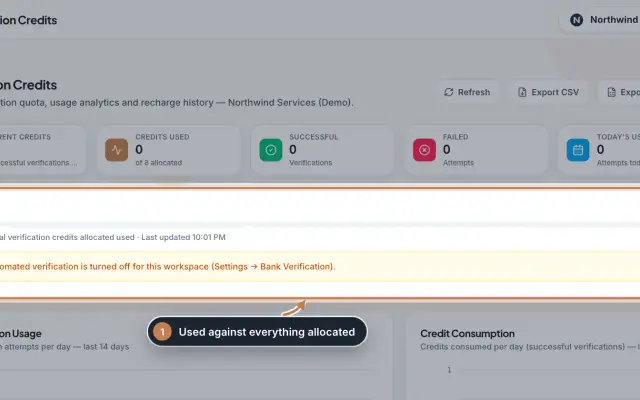 Verification Credits moduleThe full Verification Credits page: the credit meter and why checks may be paused, daily usage charts, the history of every bank verification with its details, and every recharge with its invoice.Module
Employees and onboarding
Add employees, import them from Excel, let joiners onboard themselves and handle exits.
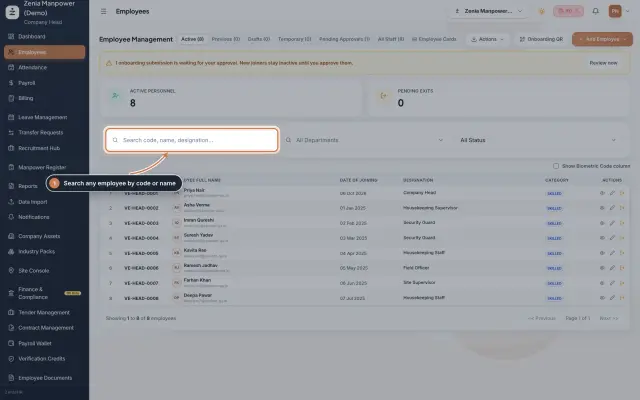 Employees moduleThe staff directory, where you add people, open an employee profile and approve new joiners.Module
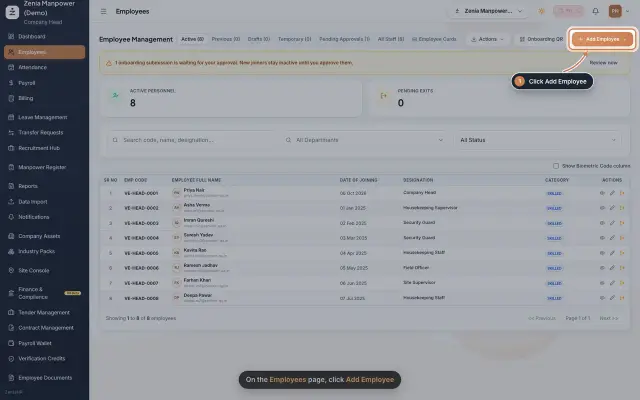 Add an employeeRegister a new employee master file step by step, from personal details to employment.Guide25 s video
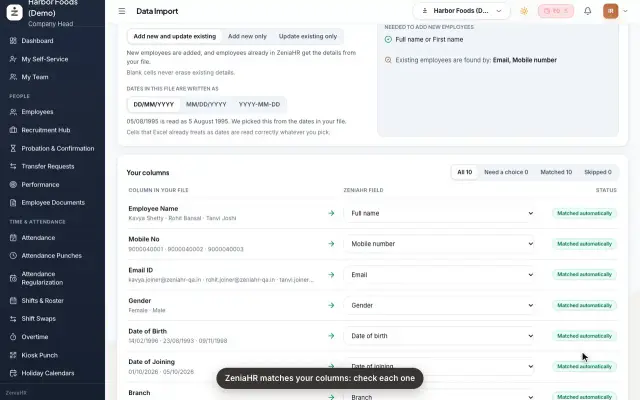 Import employees from ExcelAdd many employees at once, or update existing ones, by uploading an Excel or CSV file in Data Import.Guide25 s video
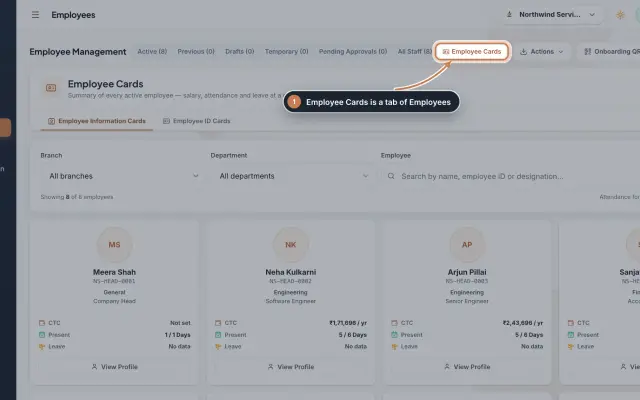 Employee Cards moduleSee every active employee on one card with pay, attendance and leave, and print ID cards from a ready design or your own artwork.Module
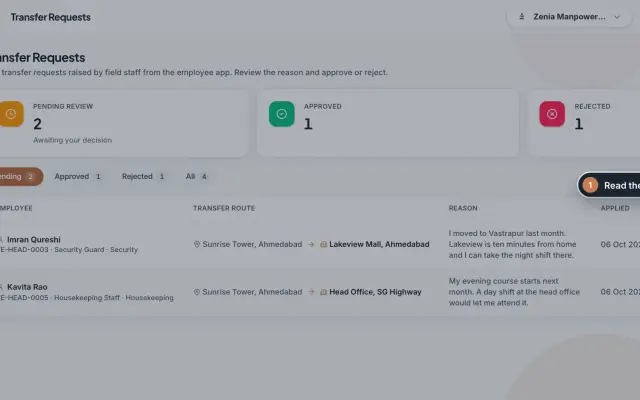 Transfer Requests moduleSite staff ask in the app to move to another site; HR reads the reason and approves or rejects, and an approval moves the person.Module
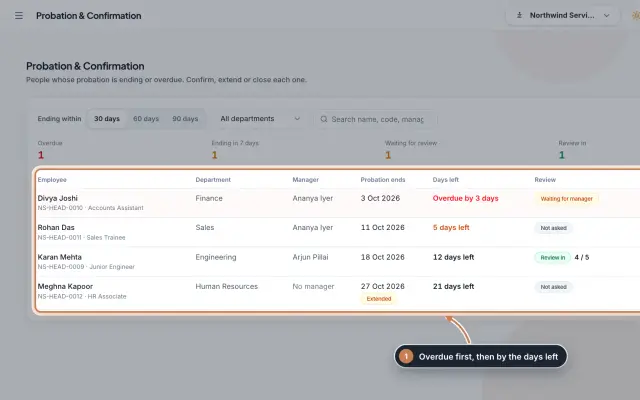 Probation & Confirmation moduleEveryone whose probation is ending or overdue in one queue; confirm with a letter, extend with a reason, record a not confirmed outcome or ask the manager for a review.Module
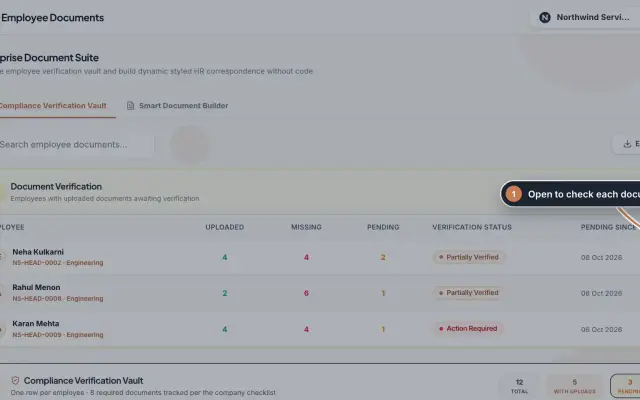 Employee Documents moduleCheck the documents each employee uploads against an eight-document checklist, verify or reject them, and make offer, appointment and other letters from ready-made styles.Module
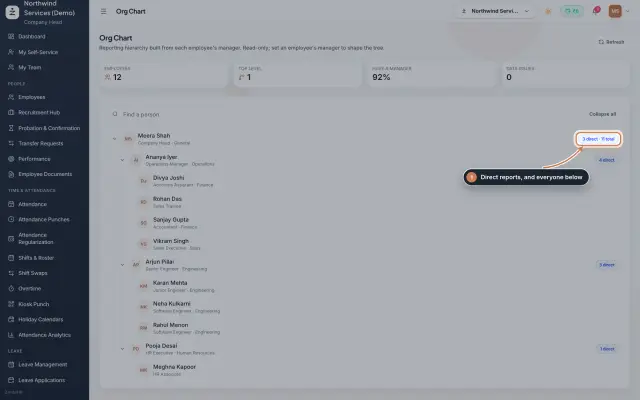 Org Chart moduleThe company's reporting tree, built from each person's reporting manager, with team sizes, a search and a check for broken reporting lines.Module
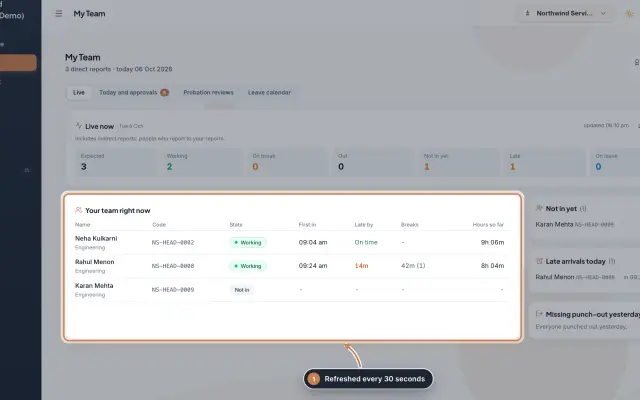 My Team moduleA manager's page for the people who report to them: who is working right now, the requests waiting on them, probation reviews, the team's leave and praise.Module
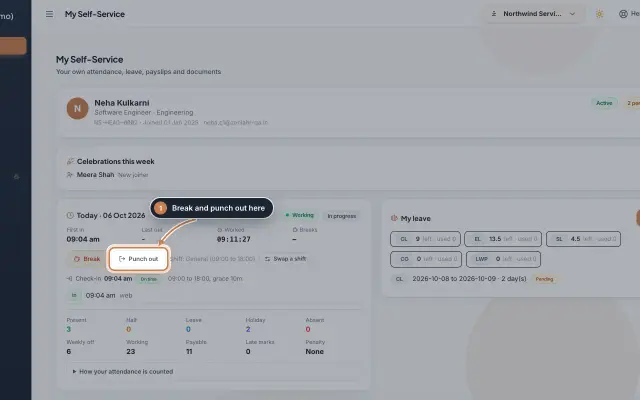 My Self-Service moduleEvery employee's own page on the web: punch in and out, see the month's attendance, apply for leave, ask for corrections and work from home, pick optional holidays and find payslips.Module
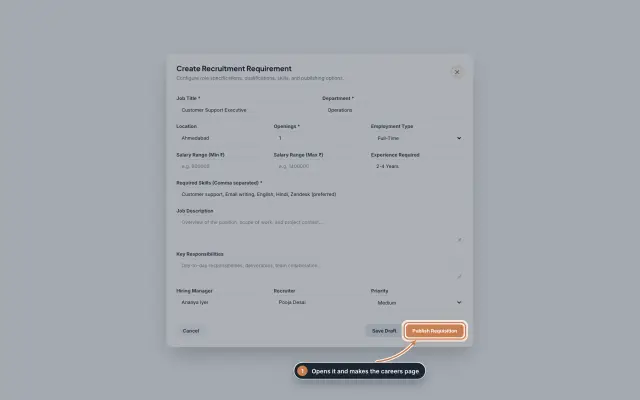 Recruitment Hub moduleOpen a job, share its careers page, see every applicant with a match score, and move them through screening, interviews, offers and joining, with hiring analytics.Module
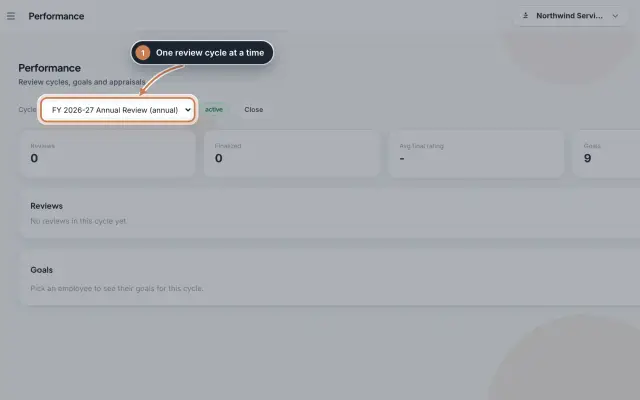 Performance moduleRun review cycles for your HRMS Core staff, set each person's goals with a type and a weight, and see where the cycle's reviews stand.Module
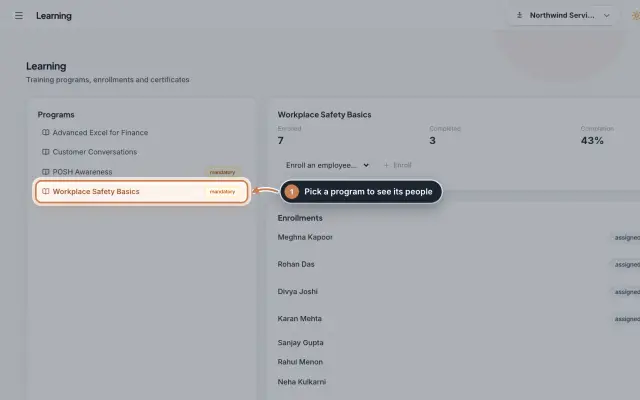 Learning moduleKeep your training programs, enroll people, mark who has completed them and track completion, with certificates issued on completion.Module
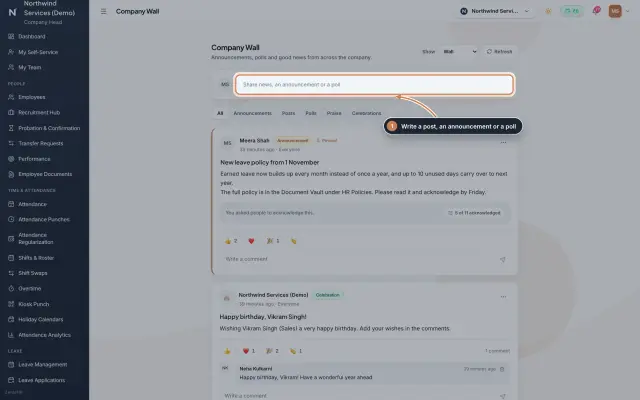 Company Wall moduleA feed for the whole company: announcements people acknowledge, posts, polls, praise and celebrations, with reactions and comments, on the web and in the employee app.Module
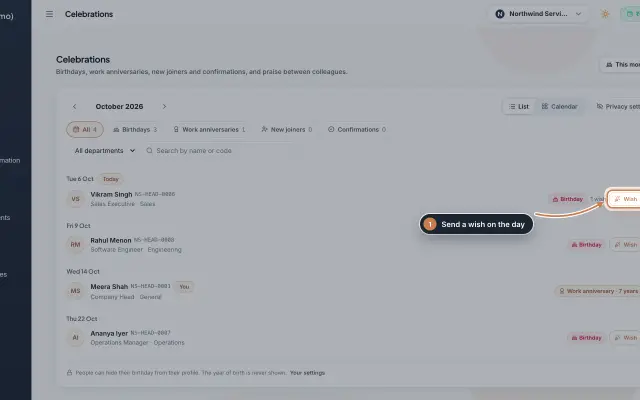 Celebrations moduleBirthdays, work anniversaries, new joiners and confirmations month by month, with wishes, birthday privacy, and praise between colleagues with a monthly leaderboard.Module
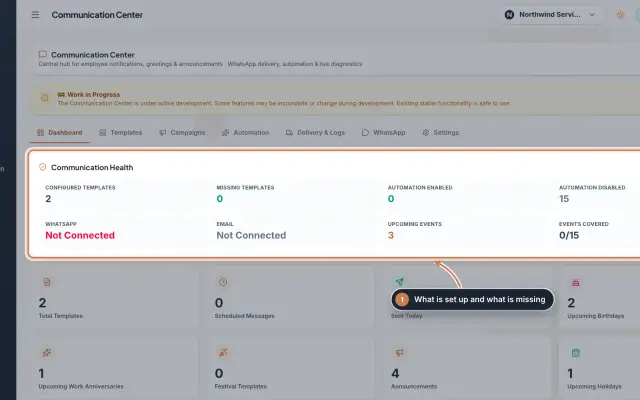 Communication Center module (Beta)Greeting and notice templates, birthday and anniversary wishes, announcements for the employee app and WhatsApp delivery with a safe test mode, in one place.Module
Employee mobile app
Install the app, sign in, mark attendance, apply for leave and download payslips.
Attendance and leave
Daily attendance, imports from devices, shifts, overtime and leave approvals.
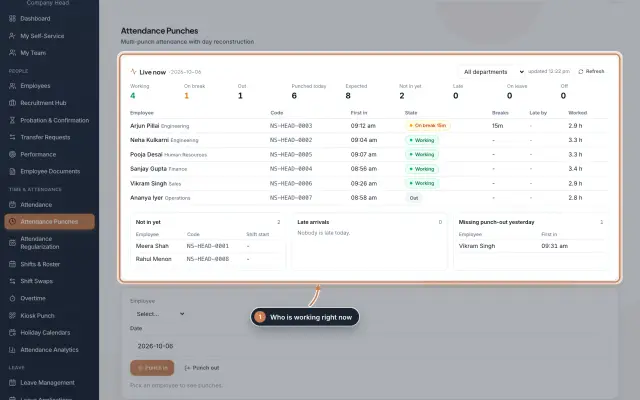 Attendance: punches and the daily registerHow punches reach HRMS Core, how to follow them live, record a missed punch, read each employee's day log, keep the daily register and close the month for payroll.Guide
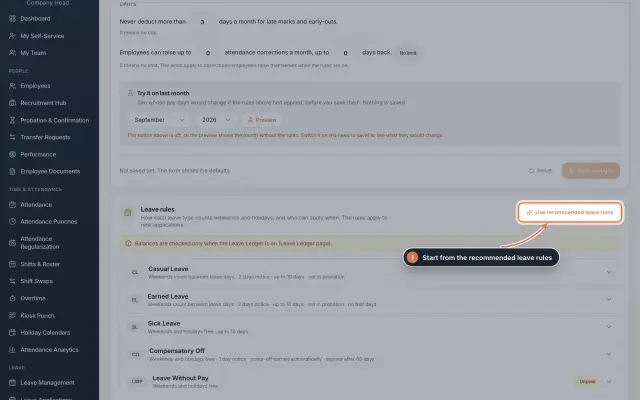 Leave: rules, applications and approvalsSet up your leave types and their rules, apply for leave on an employee's behalf with a live check of the days, and approve or reject applications.Guide
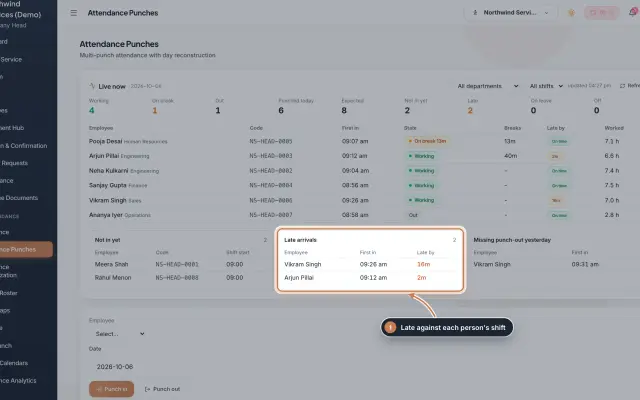 Attendance Punches moduleThe punch register of HRMS Core: who is in right now, every punch of a day, the month's payable days and the penalties the attendance rules add.Module
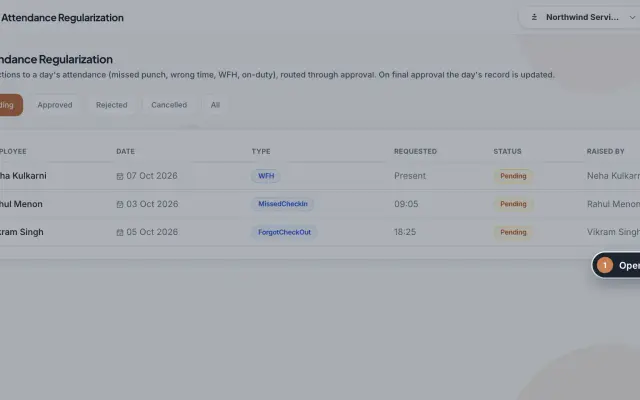 Attendance Regularization moduleCorrect a day's attendance through approval: a missed or forgotten punch, a wrong time, work from home or on duty, decided by the manager and then HR.Module
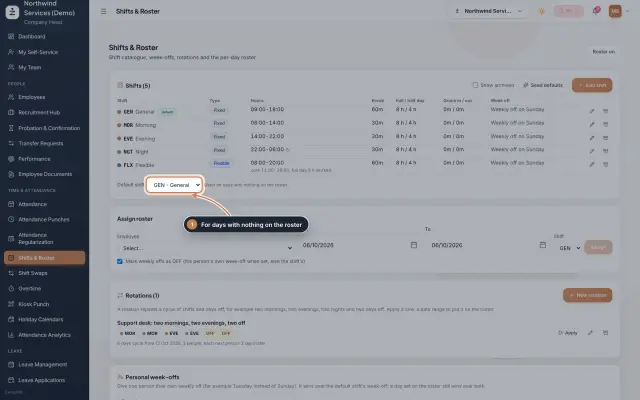 Shifts & Roster moduleKeep your shifts, give everyone a default shift, roster people for date ranges or on a repeating rotation, and set personal weekly offs.Module
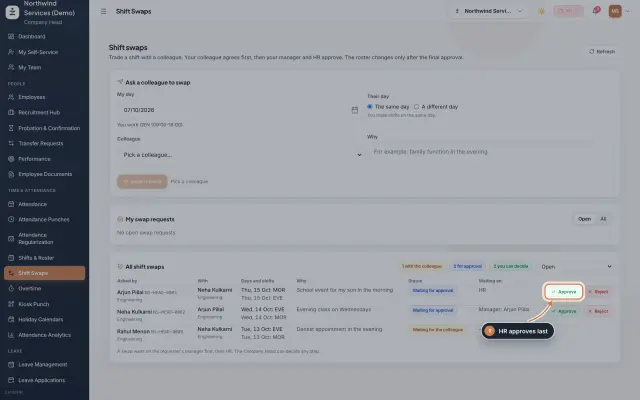 Shift Swaps moduleStaff trade shifts with a colleague; the colleague agrees first, then the manager and HR approve, and only then the roster changes.Module
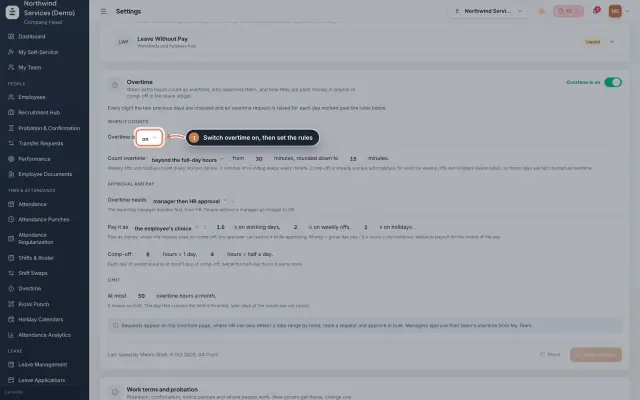 Overtime moduleOvertime found in the punches or raised by HR, approved by the manager and HR, and paid as money in payroll or as comp-off in the leave ledger.Module
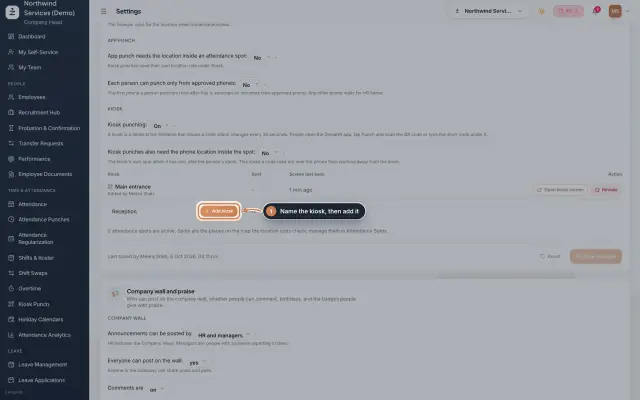 Kiosk Punch moduleTurn a tablet at the entrance into a punch kiosk: it shows a code that changes every 30 seconds, and staff scan or type it in the app to punch.Module
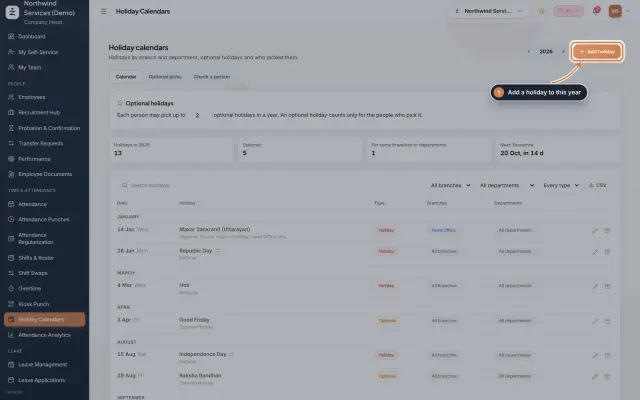 Holiday Calendars moduleKeep the year's holidays by branch and department, set optional holidays and how many each person may pick, and check which holidays a person gets.Module
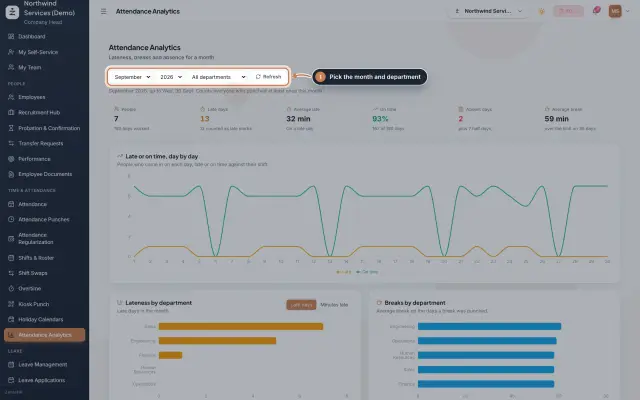 Attendance Analytics moduleOne month of attendance in charts: late against on time day by day, lateness and breaks by department, an absence map and the people late most often.Module
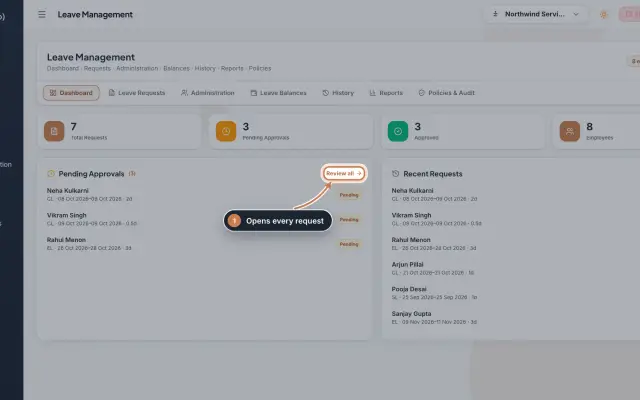 Leave Management moduleThe company-wide view of leave: requests and their status, each person's allowance and wallet, the history of decisions and the audit log.Module
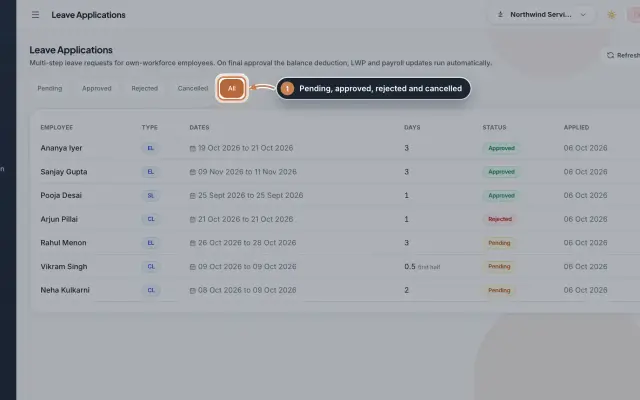 Leave Applications moduleEvery leave application with the days the rules count, its approval steps from the manager to HR, and what happens on approval or when approved leave is cancelled.Module
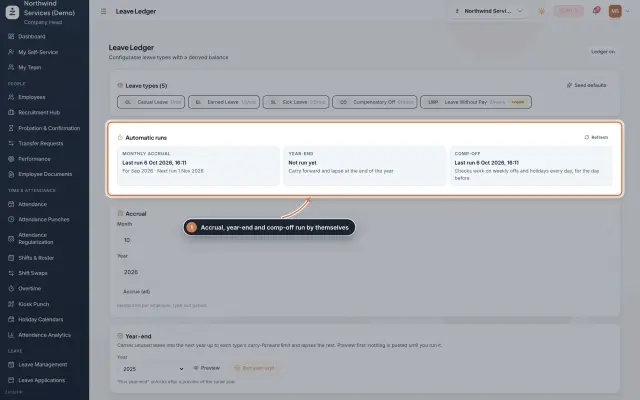 Leave Ledger moduleLeave balances built from monthly accrual, approved leave and comp-off, with year-end carry forward, manual entries and leave encashment.Module
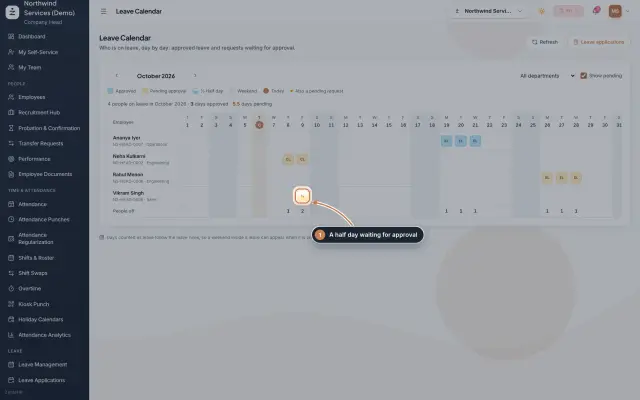 Leave Calendar moduleSee who is on leave, day by day, for a whole month: approved leave, leave waiting for approval and half days, by department.Module
Payroll and payslips
Run monthly payroll, statutory deductions, payslips and the bank payment sheet.
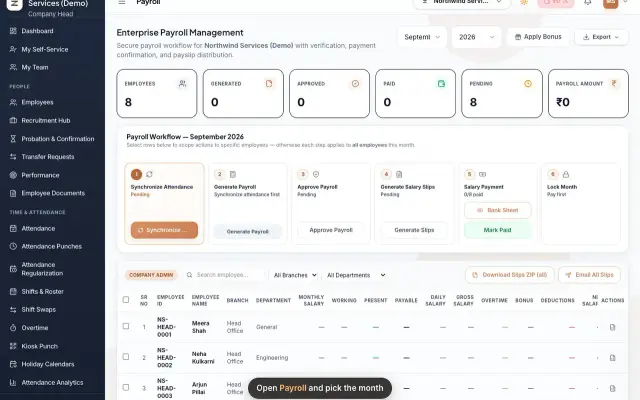 Run payroll and share payslipsRun the monthly payroll for your own employees in six steps, from synchronizing attendance to approving salaries, generating payslips, sharing them and paying.Guide29 s video
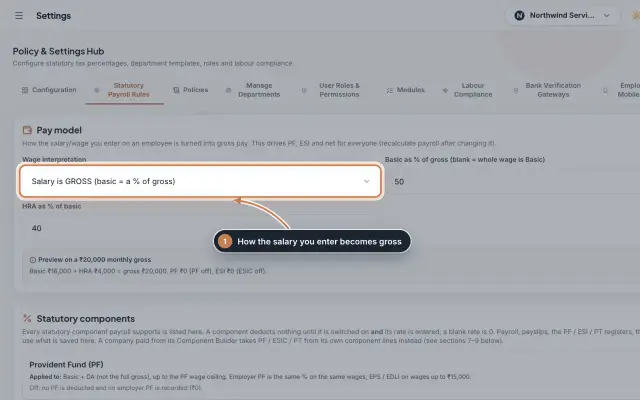 Statutory Payroll RulesSet how the salary you enter becomes gross pay, switch PF, ESIC and Professional Tax on with their rates, keep state PT slabs and day rates, and check a worked example before you save.Module
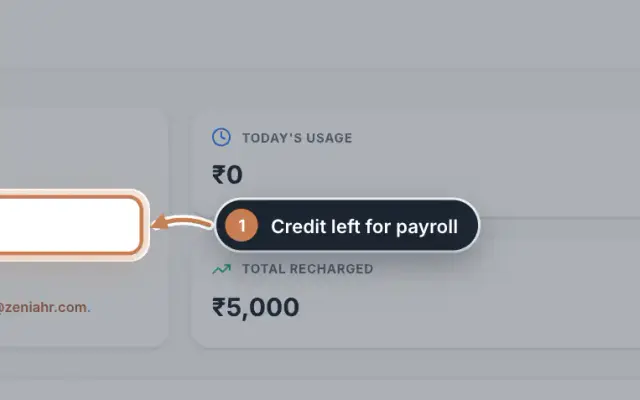 Payroll Wallet moduleThe prepaid credit that pays the ZeniaHR payroll processing fee, with its balance, usage, warnings and every credit and charge.Module
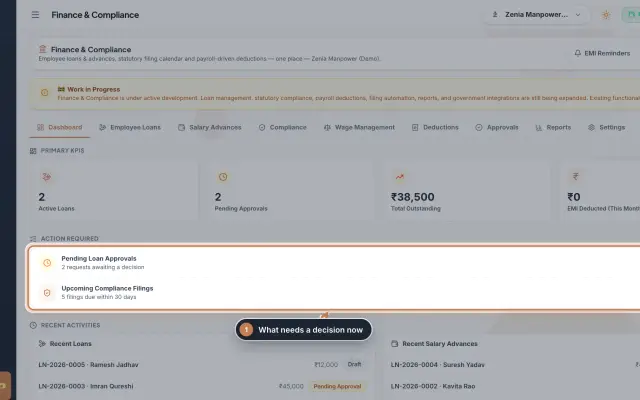 Finance & Compliance module (Beta)Employee loans and salary advances with their EMI schedules and approvals, the statutory filing calendar for PF, ESI, PT, TDS, GST and LWF, and loan and compliance reports, in one place.Module
Admin panel and settings
Users and roles, modules, company settings and data import.
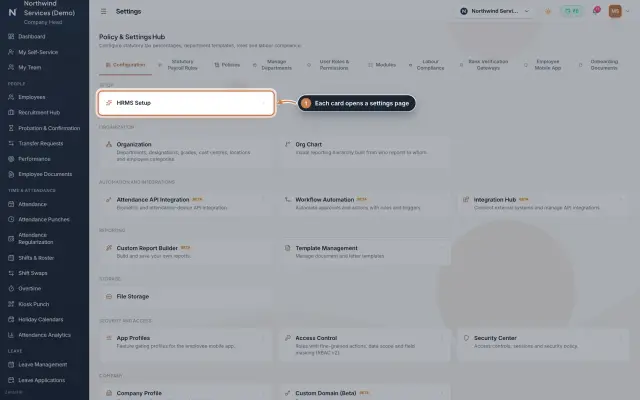 Settings moduleThe Policy & Settings Hub: a card for every settings page, and tabs for statutory rules, policies, departments, user permissions, modules, labour compliance, bank verification, the employee app and onboarding documents.Module
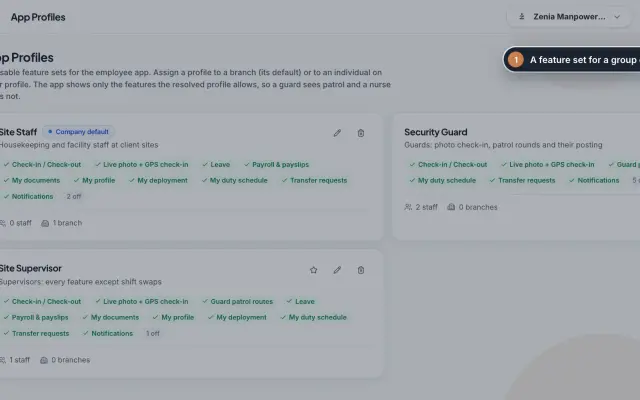 App Profiles moduleDecide which features each group of staff sees in the employee app, with named profiles for a branch, for one person or for the whole company.Module
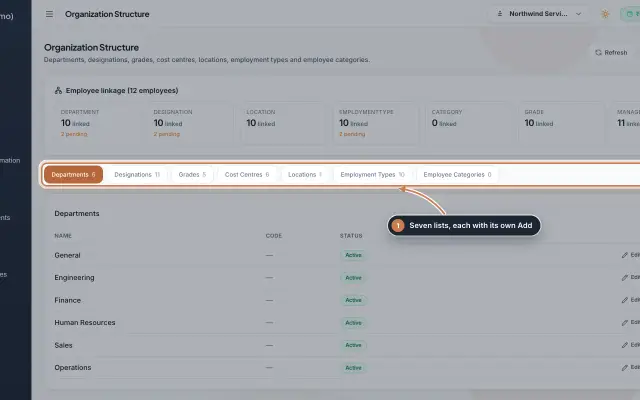 Organization moduleKeep the company's lists of departments, designations, grades, cost centres, locations, employment types and employee categories, and link each employee to them.Module
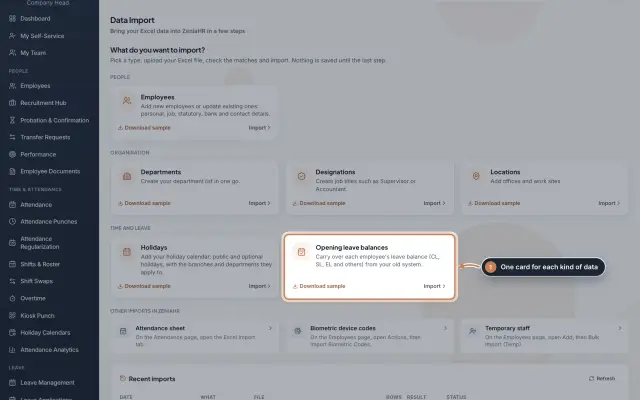 Data Import moduleBring your Excel or CSV data into ZeniaHR in four steps: employees, departments, designations, locations, holidays and opening leave balances, each checked row by row before anything is saved.Module
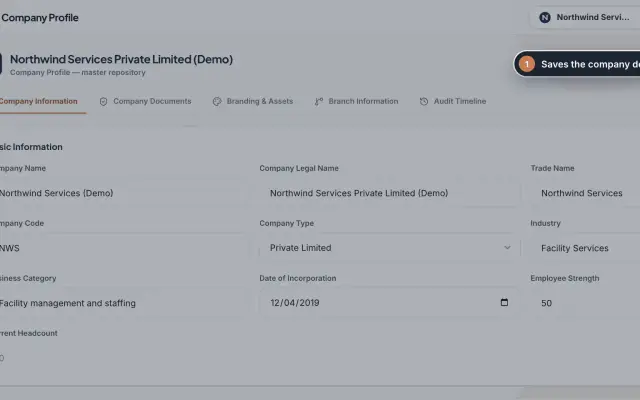 Company Profile moduleKeep your company's details, owners, certificates, branding images and branches in one place, with a timeline of every change.Module
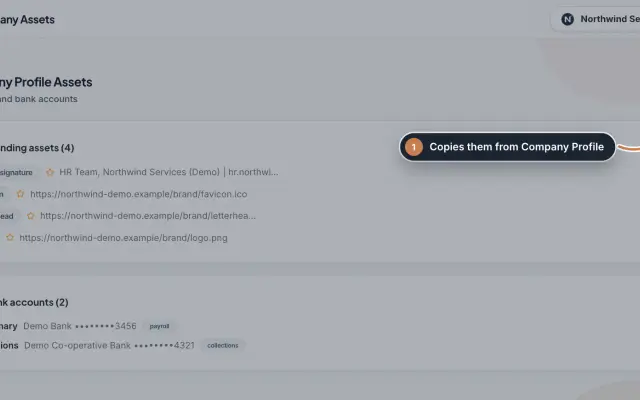 Company Assets moduleKeep the company's branding files and bank accounts as separate records, import them from the Company Profile and mark the main one of each kind.Module
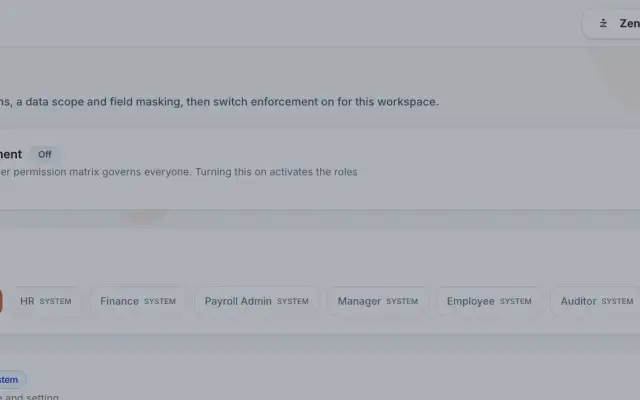 Access Control moduleDefine roles with eight actions per module, a data scope and field masking, grant client and site access to people, and switch role-based enforcement on when you are ready.Module
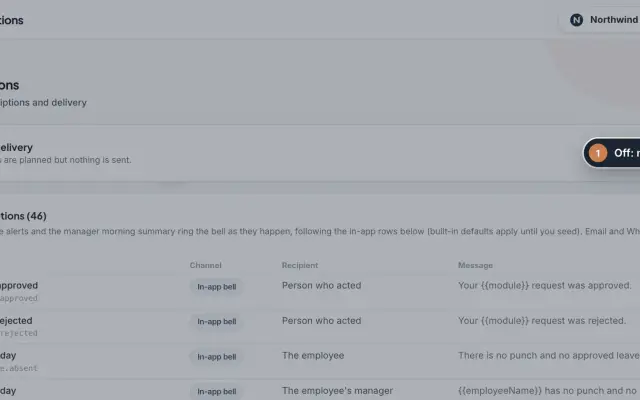 Notifications moduleDecide who hears about which event, on which channel and with which message, and switch live delivery of email and WhatsApp copies on when you are ready.Module
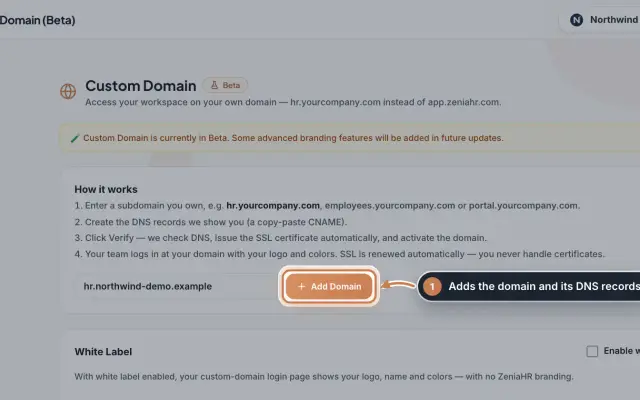 Custom Domain module (Beta)Open your ZeniaHR workspace on your own subdomain, such as hr.yourcompany.com, with the DNS records to create, automatic SSL and your own logo and colours on the sign-in page.Module
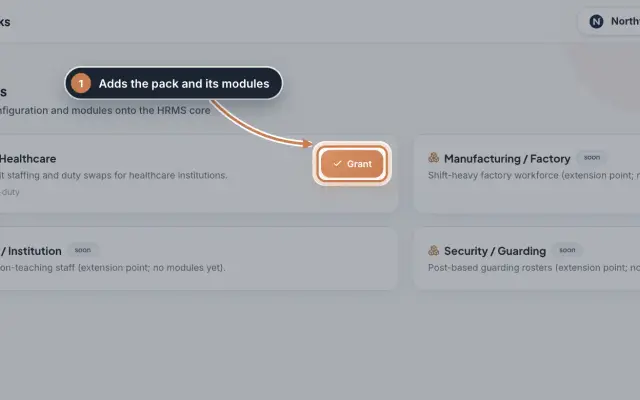 Industry Packs moduleAdd an industry's own settings and modules to your company, such as the Hospital / Healthcare pack with duty rosters, unit staffing and duty swaps.Module
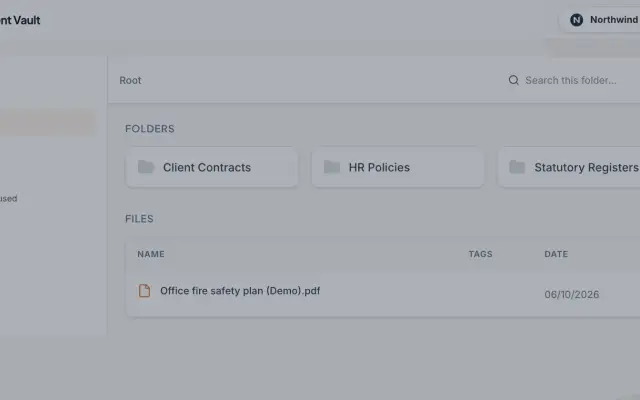 Document Vault module (Beta)The company's shared folders for papers that belong to no one employee, such as policies, contracts and registers, with secure links that run out.Module
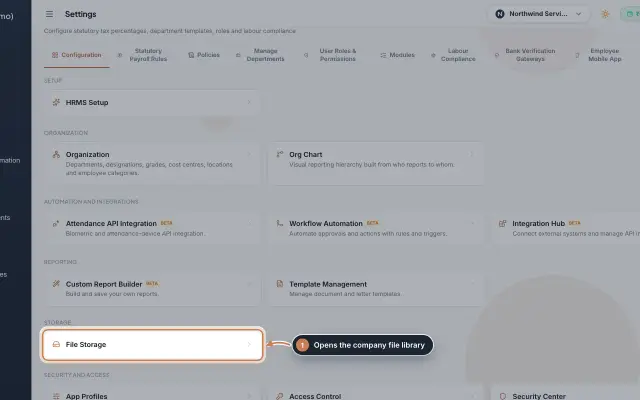 File Storage moduleThe company's file library in Settings: upload files of up to 25 MB, download them through short-lived secure links and delete what you no longer need.Module
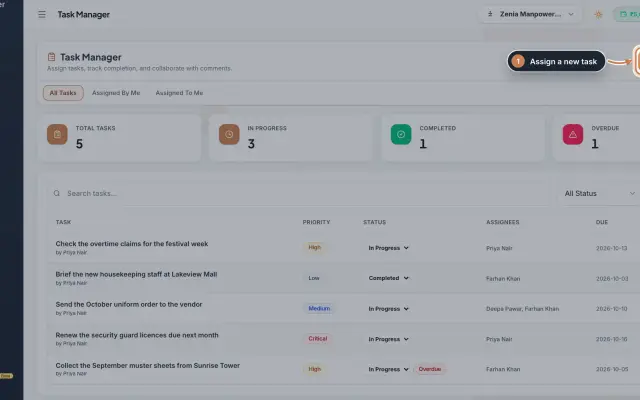 Task Manager moduleGive tasks to your colleagues with a priority and a due date, follow them to completion with comments, and see what is overdue.Module
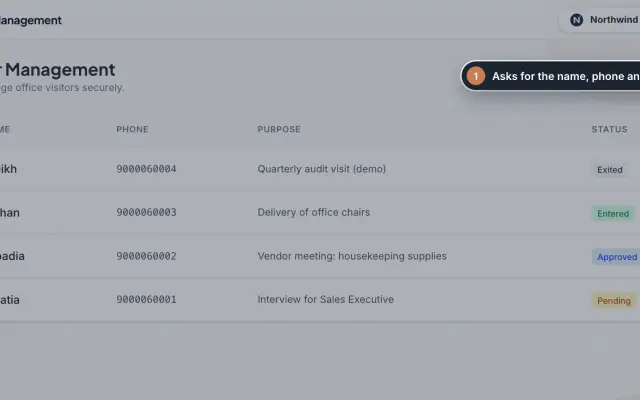 Visitor Management moduleA visitor log for the front desk: register each visitor with their phone and purpose, approve them, and check them in and out.Module
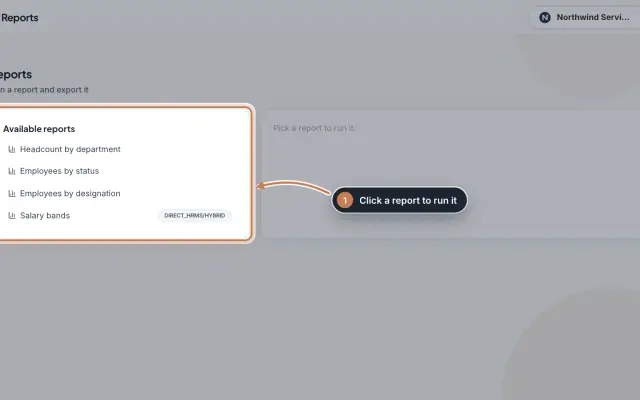 Reports moduleQuick headcount reports, run with one click from your live employee records: by department, by status, by designation and, for HRMS Core companies, by salary band, each ready to download as CSV.Module
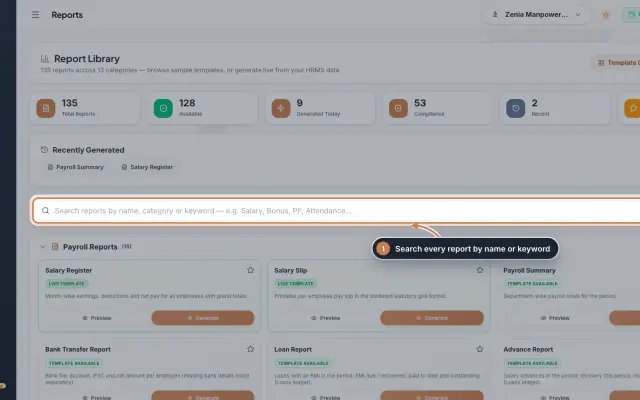 Report Library module135 ready reports in 13 groups, from the salary register and payslips to attendance, leave, employee, document, PF, ESI, tax, bonus and wage registers, generated live from your data as a document you can edit, print and export.Module
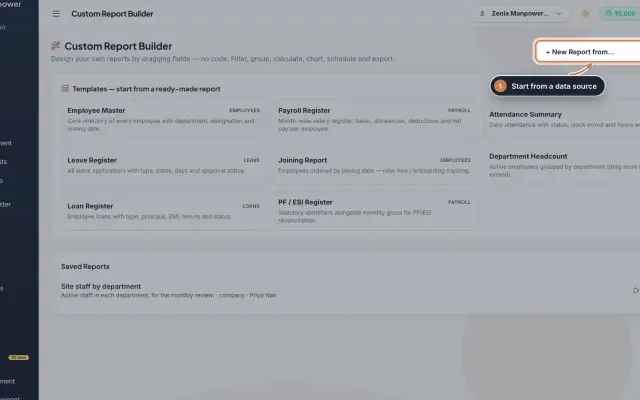 Custom Report Builder module (Beta)Design your own reports without code: pick a data source, add fields, filter, sort, group, add formulas and a chart, then save, export to Excel, CSV, PDF or Word, and email it on a schedule.Module
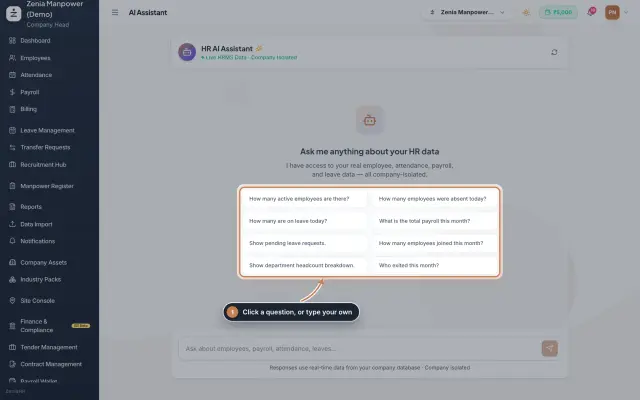 AI Assistant moduleAsk quick questions about your HR data in plain words, such as how many employees are active, who is on leave today or this month's payroll total, and get the answer from your live data, plus short how-to answers.Module
Help and support
Raise a support ticket and follow its replies.