Leave Ledger module
Leave balances built from monthly accrual, approved leave and comp-off, with year-end carry forward, manual entries and leave encashment.
Key screens
Switch the ledger on and check the automatic runs
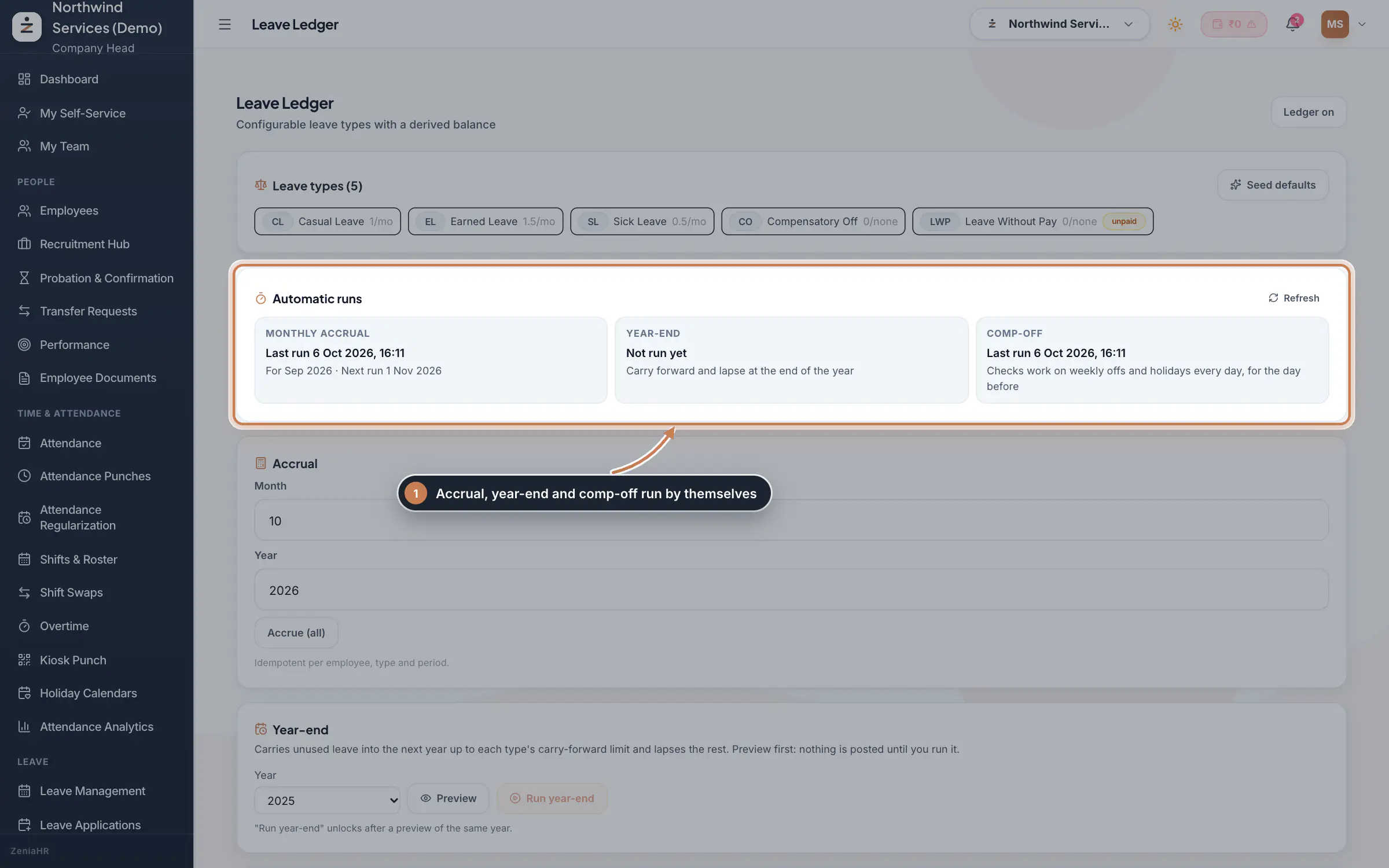
In the sidebar, under Leave, click Leave Ledger. Click Enable ledger at the top right; it then reads Ledger on. Leave types lists each type with its accrual, and Seed defaults adds the usual ones if you have none. Automatic runs shows when the Monthly accrual last ran, for which month and when it runs next (the 1st of each month), whether Year-end has run, and when Comp-off was last checked: every day, for the day before. In the app, staff see their balance of each type on the home screen.
 Full size
Admin panel · Step 1 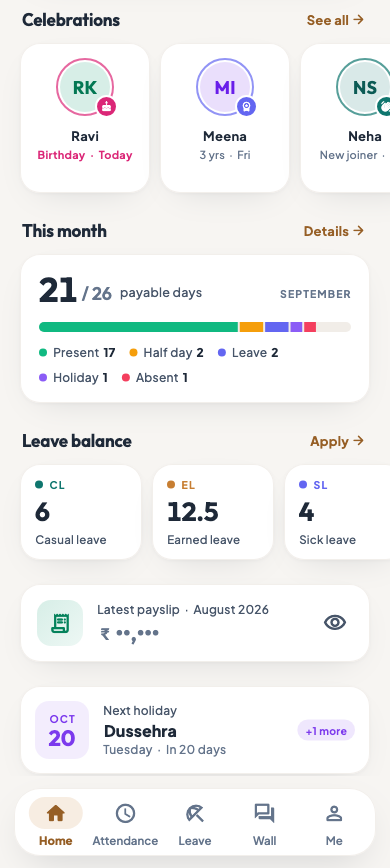 On the employee app
The employee app home screen with the leave balance
Run accrual by hand
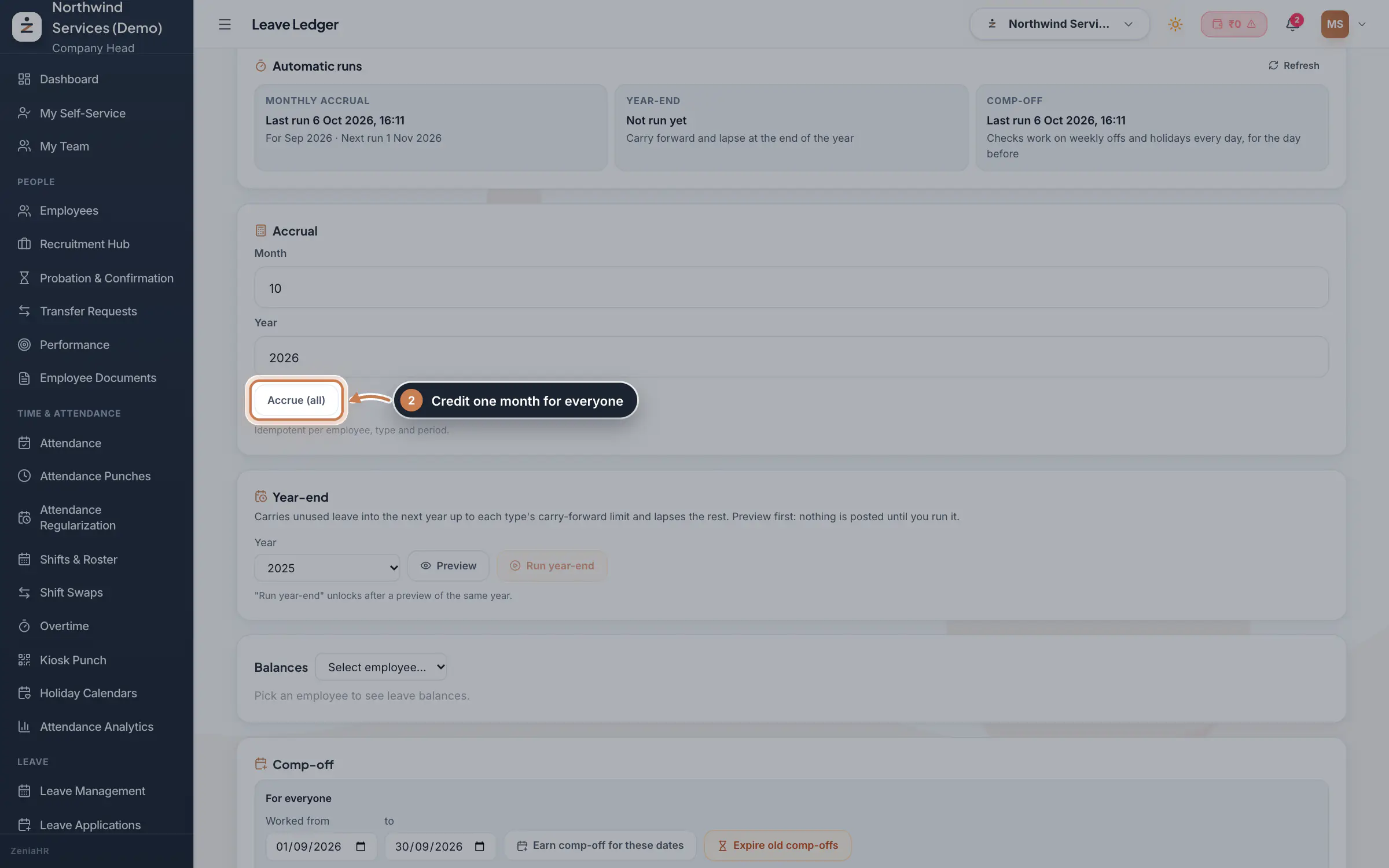
To credit a month yourself, for example after adding the ledger mid-year, type the Month as a number and the Year and click Accrue (all). With one person picked under Balances, the button reads Accrue (this employee). Running it twice for the same month adds nothing more; joiners and leavers get a part of the month, and no balance goes above the type's maximum.
 Full size
Step 2 See and correct one person's balance
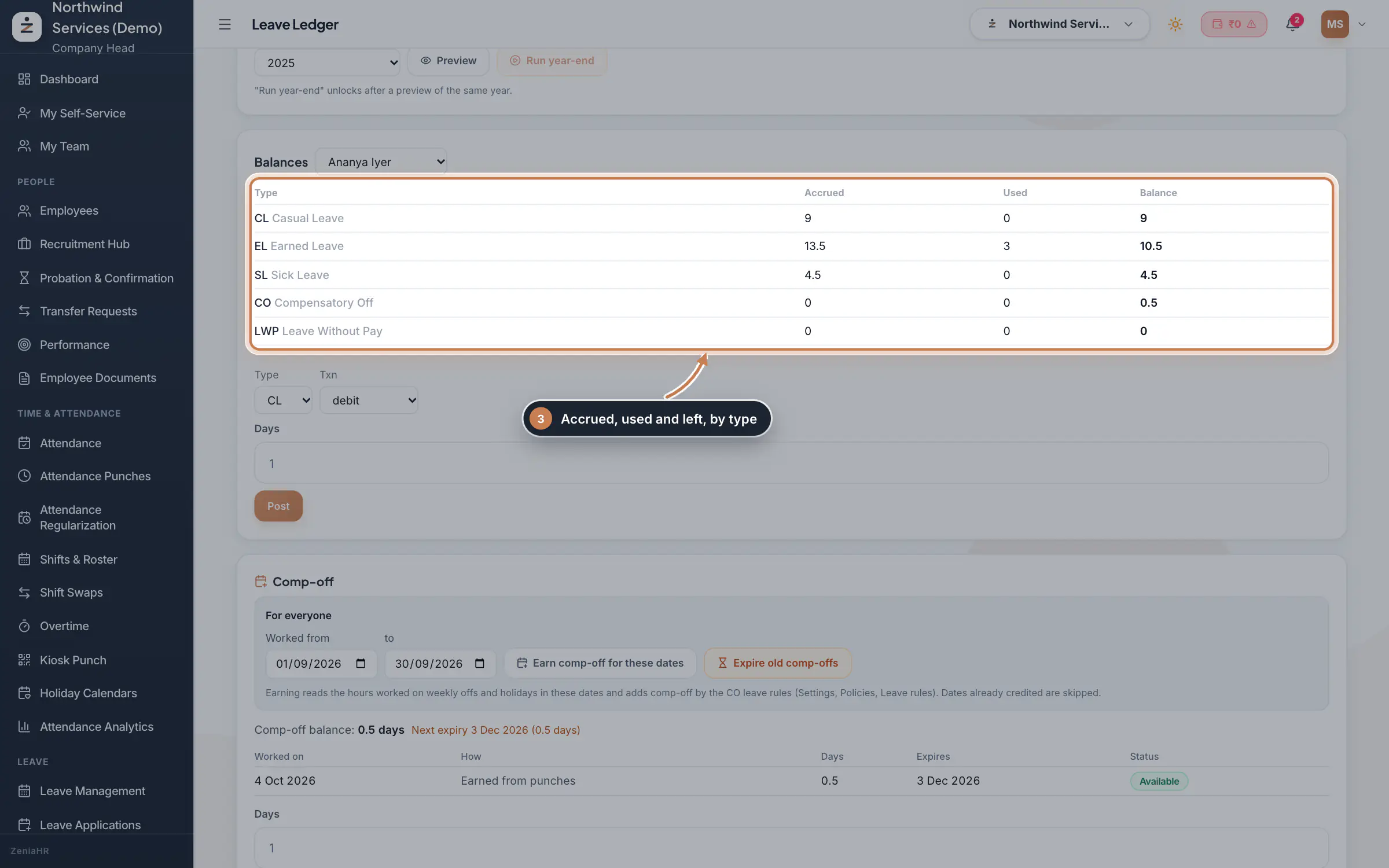
Under Balances, pick the employee. Each type shows the days Accrued, Used and the Balance; a balance below zero shows in red. To correct a balance, pick the Type, the kind of entry (credit, debit, adjustment, opening, encashment or lapse) and the Days, then click Post.
 Full size
Step 3 Tip Use opening to load the balances people bring from before ZeniaHR.
Earn and grant comp-off
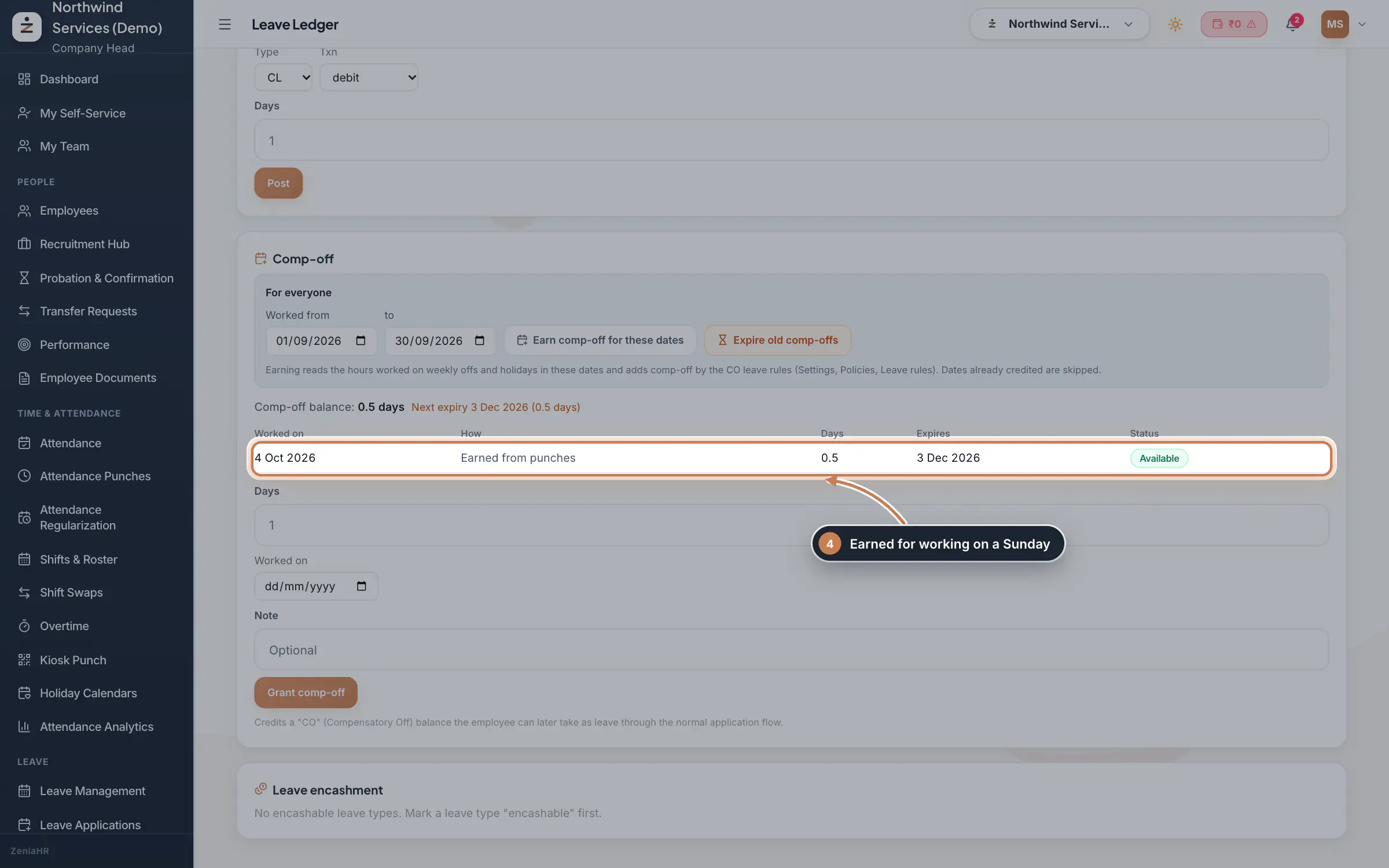
Under Comp-off, For everyone reads the hours worked on weekly offs and holidays between two dates and credits comp-off by the CO leave rules; dates already credited are skipped. Expire old comp-offs removes comp-off older than the CO type's expiry days. With an employee picked, you see their comp-off balance, the next expiry and each credit with the day worked, how it was earned, the days, the expiry date and its status. To give comp-off by hand, enter the Days, the day Worked on and a note, and click Grant comp-off. Staff take comp-off like any leave, through an application.
 Full size
Step 4 Preview the year-end
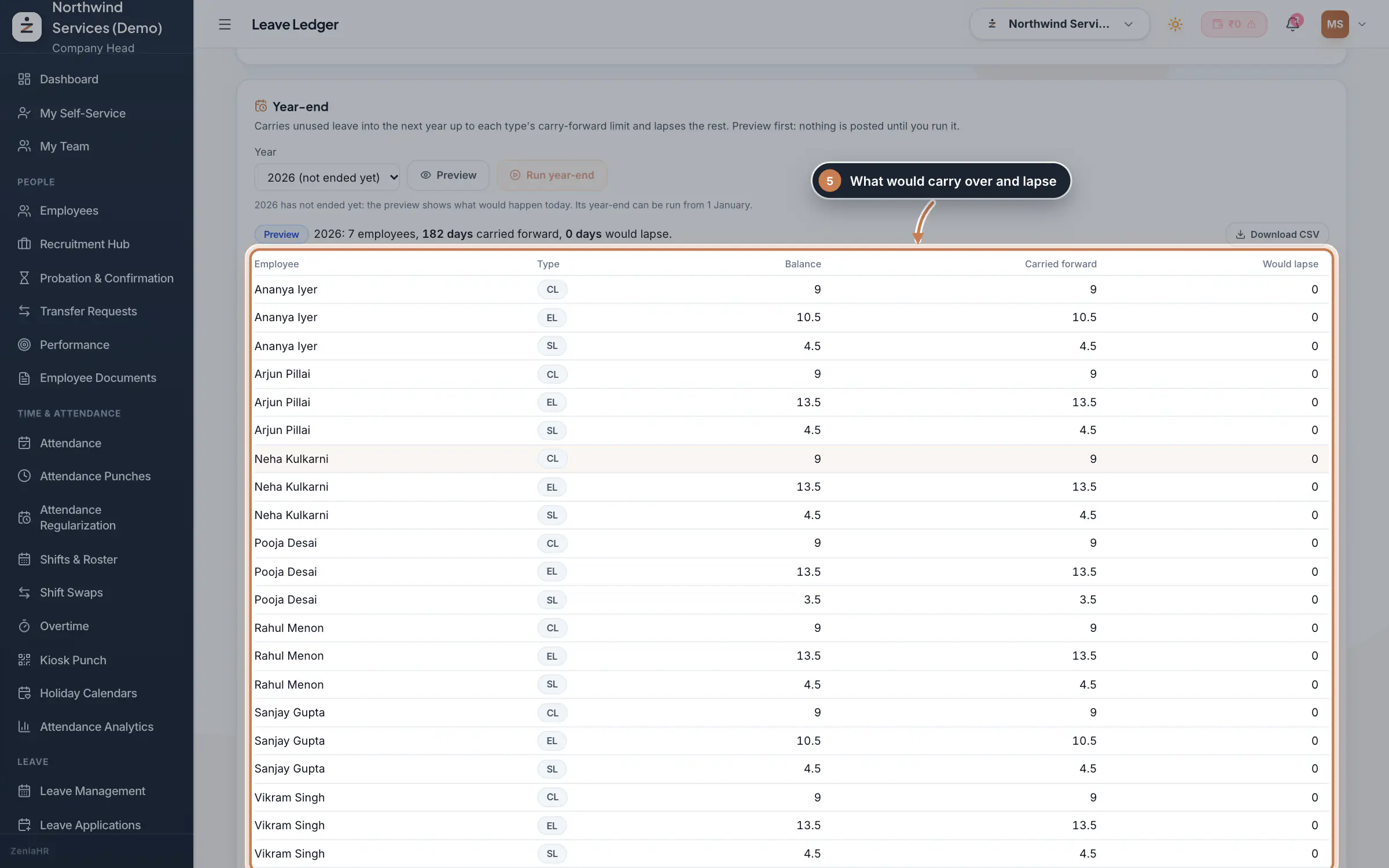
Under Year-end, pick the year and click Preview: you see, for each person and leave type, the balance, the days that would be Carried forward and the days that would lapse, with a total. Nothing is posted until you click Run year-end, which unlocks after a preview of the same year and only once that year has ended. Download CSV keeps a copy of the preview.
 Full size
Step 5
What it does
The Leave Ledger keeps every person's leave balance for each leave type as a running account. Each month the ledger credits leave by the type's accrual rate, for example 1 day of Casual Leave a month; approved leave is debited; comp-off is credited for work on weekly offs and holidays or for approved overtime; and at the end of the year unused leave is carried forward or lapses. The balance is always worked out from those entries, so you can see where every day came from.
When the ledger is on, leave applications are checked against these balances and approved leave is charged to them.
Who uses it
- The Company Head and HR switch the ledger on, run accrual and year-end by hand when needed, and correct balances.
- Staff see their balances in the app, on the home screen and the Leave tab, and when they apply.
How it connects
The leave types, their accrual, carry forward, expiry and comp-off rules are set in Settings, Policies, under Leave rules. Leave Applications checks each application against the balance and debits it on approval. Comp-off comes from the punches on Attendance Punches (work on a weekly off or holiday) and from overtime approved as comp-off on Overtime. Leave encashment adds an earning to Payroll.
Questions
How do I pay out unused leave?
Use Leave encashment at the bottom of the page. First mark the leave type as encashable in the leave rules. Then pick the employee under Balances, choose the type, the days and the basis (Basic + DA / 30 or Gross / 30) and click Encash: the days are debited and a leave encashment earning is added to payroll for the month and year set under Accrual.
Why does an employee have no balance?
The ledger may be off, accrual may not have run yet for them, or their leave types may not accrue. Check Automatic runs, run Accrue for the missing months, or post an opening balance.
What happens to comp-off that is not used?
Each comp-off credit expires after the expiry days of the CO leave type. Expire old comp-offs applies this at once; comp-off that never expires is not touched.
Related
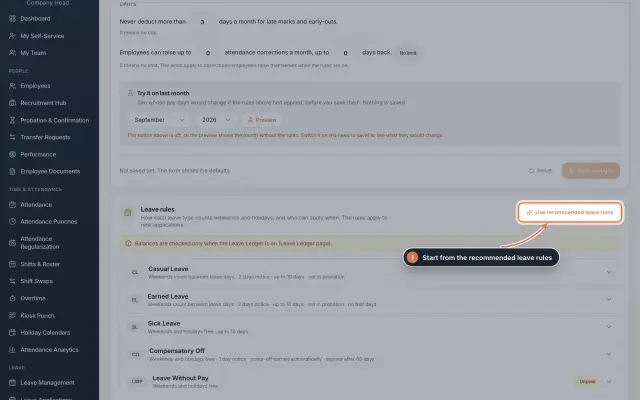 Leave: rules, applications and approvalsSet up your leave types and their rules, apply for leave on an employee's behalf with a live check of the days, and approve or reject applications.Guide
 The employee app for office staffA tour of the ZeniaHR app for HRMS Core staff: signing in, starting your shift, attendance, leave, the company wall and your profile.GuideApp
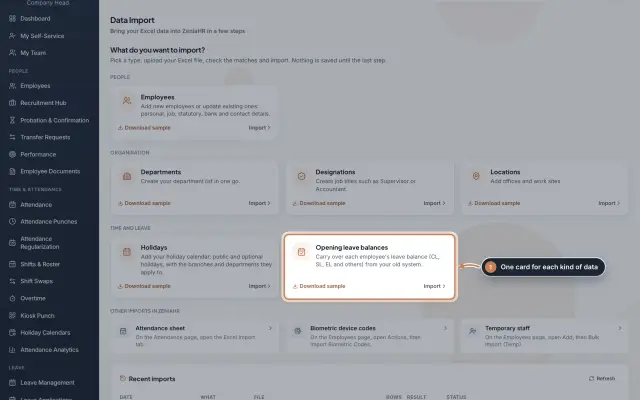 Data Import moduleBring your Excel or CSV data into ZeniaHR in four steps: employees, departments, designations, locations, holidays and opening leave balances, each checked row by row before anything is saved.Module
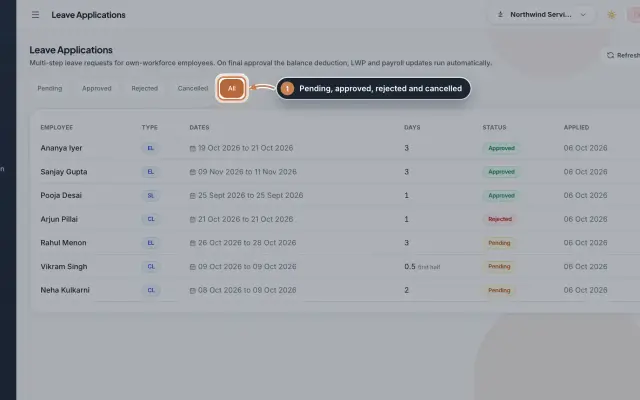 Leave Applications moduleEvery leave application with the days the rules count, its approval steps from the manager to HR, and what happens on approval or when approved leave is cancelled.Module
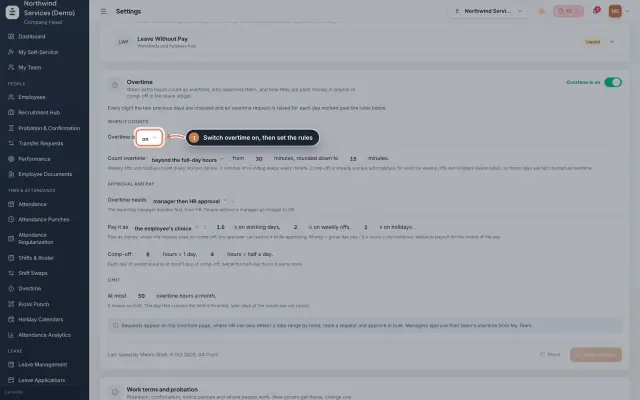 Overtime moduleOvertime found in the punches or raised by HR, approved by the manager and HR, and paid as money in payroll or as comp-off in the leave ledger.Module
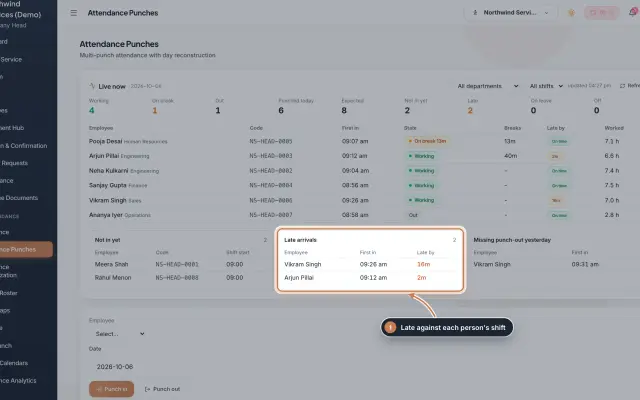 Attendance Punches moduleThe punch register of HRMS Core: who is in right now, every punch of a day, the month's payable days and the penalties the attendance rules add.Module
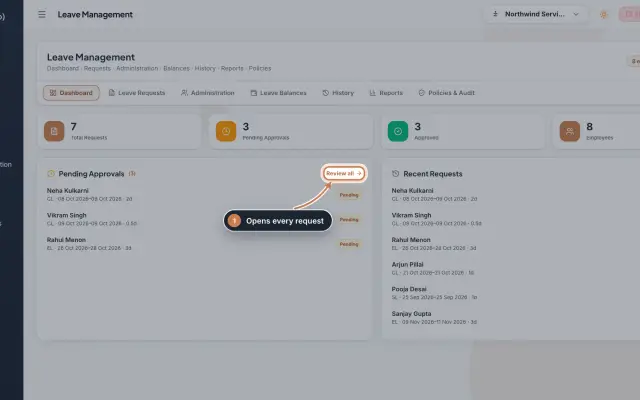 Leave Management moduleThe company-wide view of leave: requests and their status, each person's allowance and wallet, the history of decisions and the audit log.Module
- Attendance softwareSee how it works on the ZeniaHR website