Organization module
Keep the company's lists of departments, designations, grades, cost centres, locations, employment types and employee categories, and link each employee to them.
Key screens
Open the lists
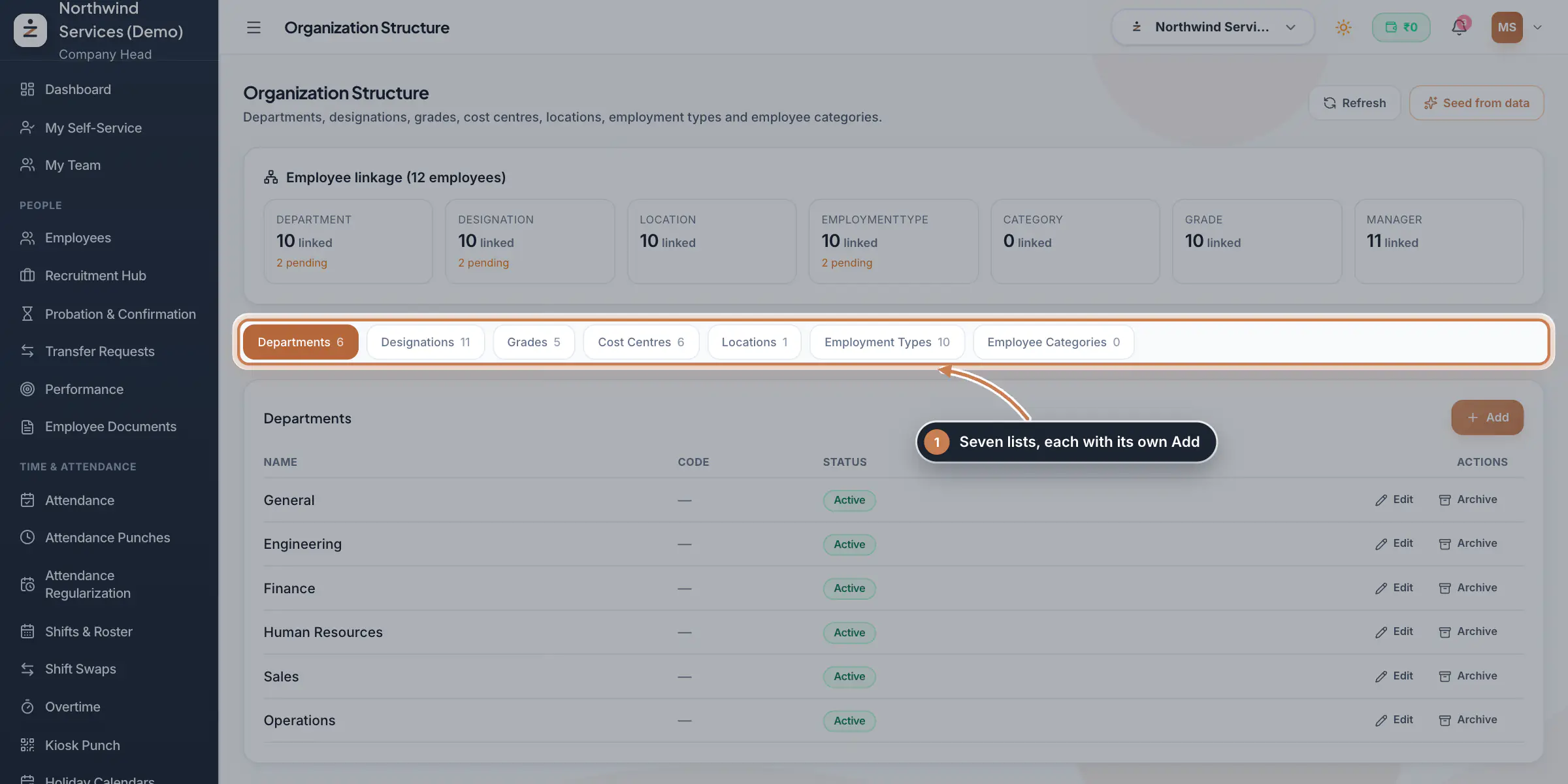
Open Settings and, under Organization, click Organization. The first time, click Seed from data: ZeniaHR creates the lists from what the company already has, its departments, the designations and categories on employee records, a location for each branch and the standard employment types, and leaves existing entries alone. Employee linkage then shows, for each list, how many people are linked and how many are pending, which means their record still holds the value only as text. Click a list, such as Grades, to see its entries with their code and status.
 Full size
Step 1 Add or change an entry
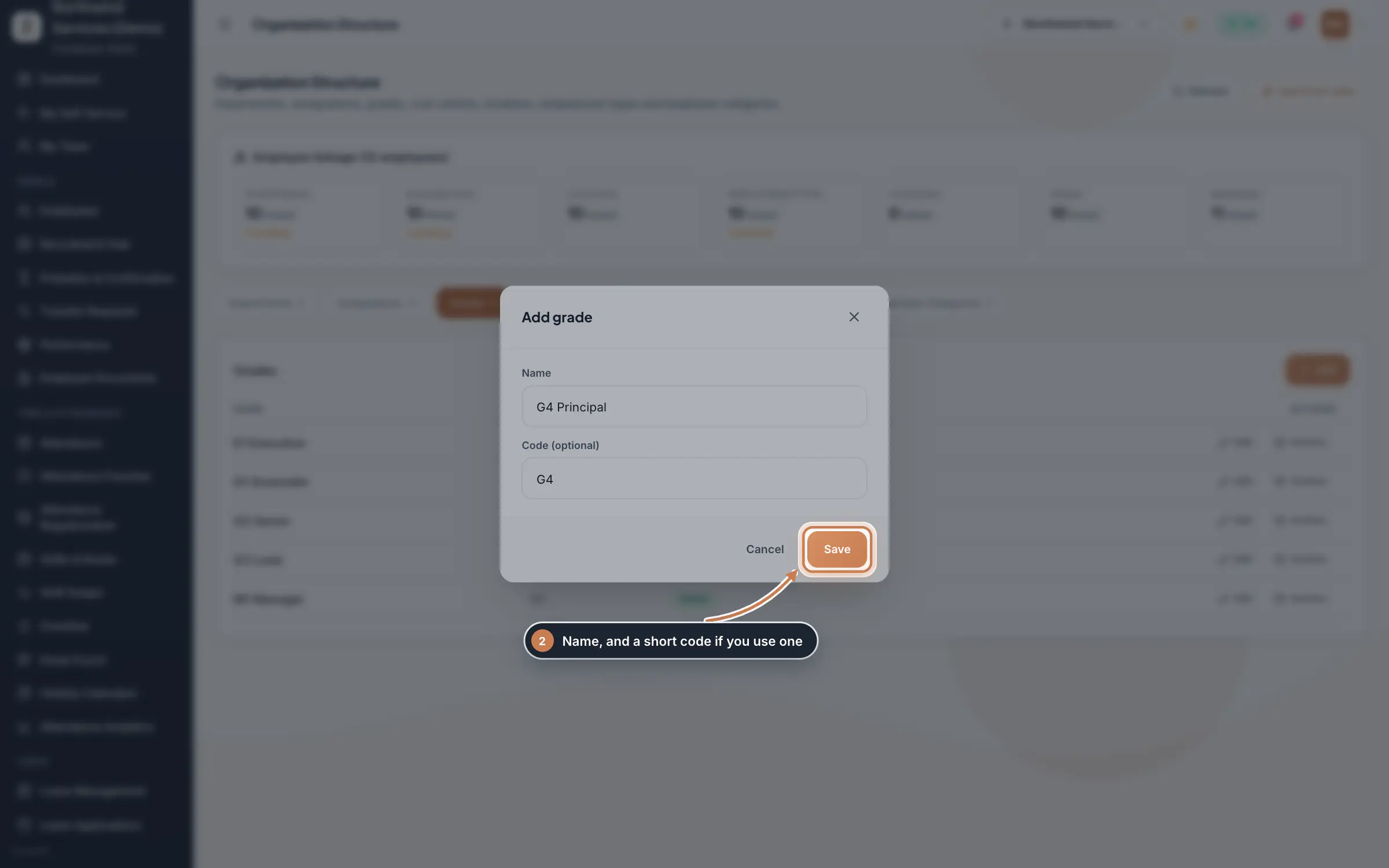
In a list, click Add, type the Name and, if you use one, a Code (optional), and click Save. Edit changes an entry and Archive retires it: archived entries stay on the people who have them but are no longer offered.
 Full size
Step 2 Link a person to the lists
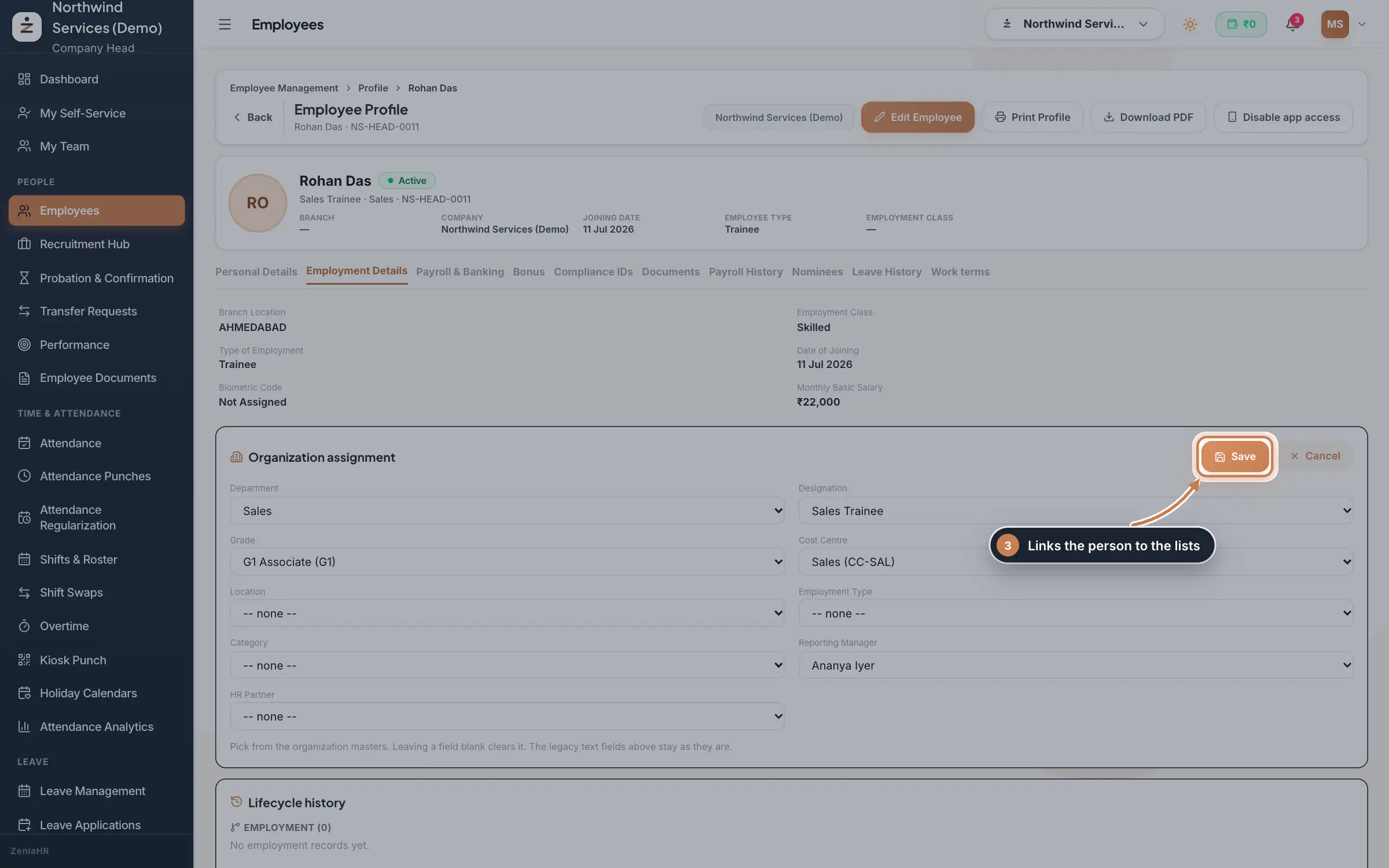
In Employees, open the person's profile and click Employment Details. Under Organization assignment, a value marked text only is not linked yet. Click Assign, pick the Department, Designation, Grade, Cost Centre, Location, Employment Type and Category from the lists, and the Reporting Manager and HR Partner if you like, then click Save. The pending counts on the Organization page go down as people are linked.
 Full size
Step 3 Tip Leaving a picker blank clears that link. The text values shown above it on the profile stay as they are.
What it does
Organization holds the company's official lists: Departments, Designations, Grades, Cost Centres, Locations, Employment Types and Employee Categories. Each employee is then linked to entries from these lists instead of free text, so reports, the org chart and company rules all use the same names. The Employee linkage card shows how far the linking has gone.
Who uses it
- The Company Head and HR keep the lists, from Settings, under Organization.
- Everyone who can open an employee's profile sees the linked values there.
How it connects
The department each person is linked to shows under their name in the Org Chart. Grades can carry their own notice period in the company's work terms, and the same lists appear as the choices under Organization assignment on every employee's profile in Employees. Archiving an entry hides it from new choices but keeps it on the people already linked to it.
Questions
Will Seed from data change or duplicate my entries?
No. It only adds what is missing and leaves existing entries untouched, so you can run it again after adding new departments or branches.
What does pending mean?
The person has a department, designation or employment type typed on their record, but it is not linked to an entry in the list yet. Link it under Organization assignment on their profile.
Can I delete an entry?
No. Archive it instead, so the people already linked to it keep their history.
Related
 Employees moduleThe staff directory, where you add people, open an employee profile and approve new joiners.Module
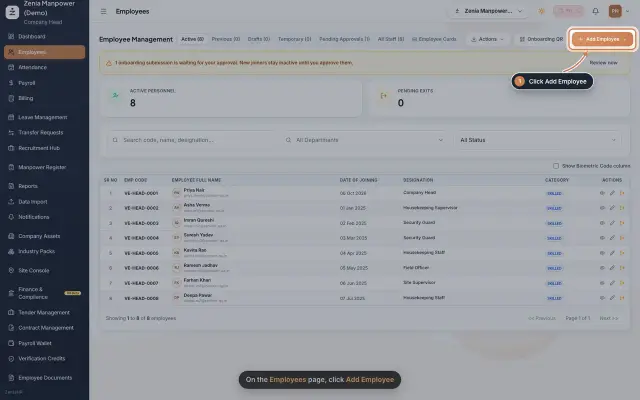 Add an employeeRegister a new employee master file step by step, from personal details to employment.Guide25 s video
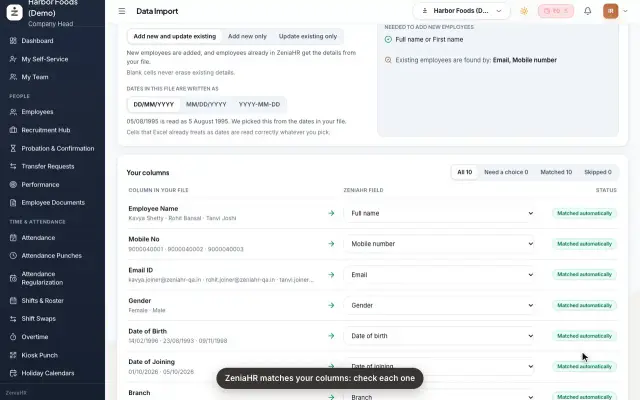 Import employees from ExcelAdd many employees at once, or update existing ones, by uploading an Excel or CSV file in Data Import.Guide25 s video
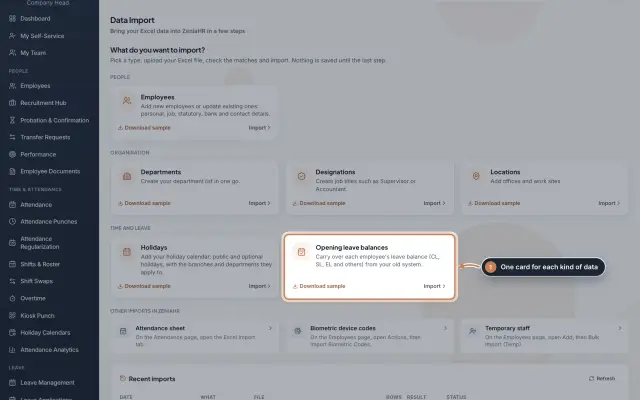 Data Import moduleBring your Excel or CSV data into ZeniaHR in four steps: employees, departments, designations, locations, holidays and opening leave balances, each checked row by row before anything is saved.Module
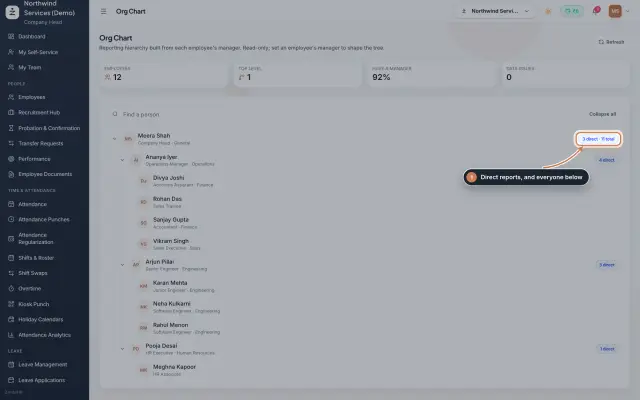 Org Chart moduleThe company's reporting tree, built from each person's reporting manager, with team sizes, a search and a check for broken reporting lines.Module
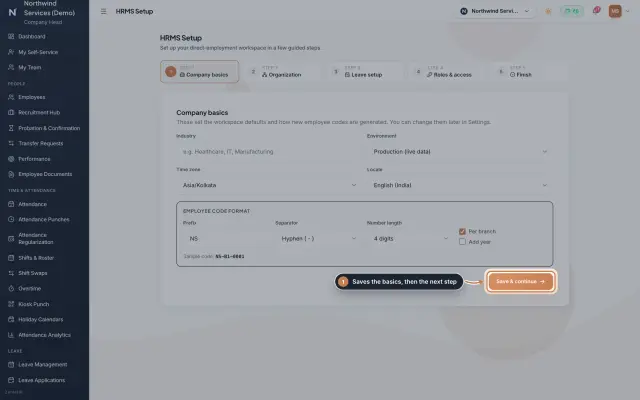 HRMS Setup moduleThe first-run wizard of an HRMS Core company: company basics and the employee code format, the organization lists, leave, roles and access, and a final check.Module
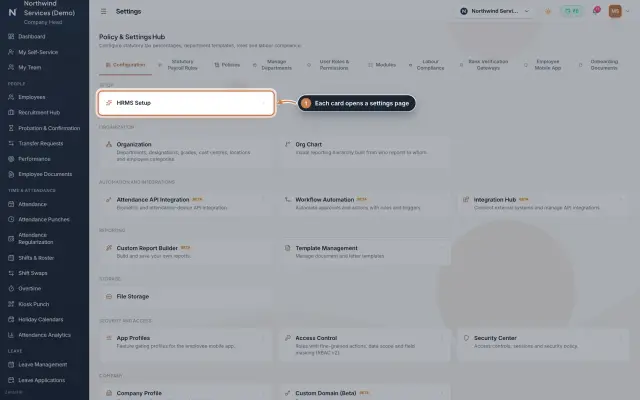 Settings moduleThe Policy & Settings Hub: a card for every settings page, and tabs for statutory rules, policies, departments, user permissions, modules, labour compliance, bank verification, the employee app and onboarding documents.Module
- ZeniaHR for every businessSee how it works on the ZeniaHR website